Seasonal preorders on Shopify: get the dates right first
A normal preorder can handle a two-week delay. You email customers the new ship date, most keep their order, the product ships, done.
A seasonal preorder can't. If the Halloween collection ships in November, or a holiday gift set arrives December 27th, the sale is already lost — the customer needed it before a date, and that date passed. Late seasonal orders turn into refunds and chargebacks, not patient customers.
That's the difference, and it changes what the work is. A normal preorder is mostly setup. A seasonal preorder — a Q4 restock, a BFCM campaign, a holiday collection — is mostly dates: your restock date, your warehouse's cutoff, the carrier's cutoff, the occasion itself. The setup only works if the dates work first, and stores that run clean Q4 preorders confirm those dates in August, not October.
This post covers when a seasonal preorder is worth running, how to plan it backwards from your cutoff, what changes if your season is BFCM, what to check before you go live, and the mistakes that show up specifically in seasonal campaigns.
When a seasonal preorder makes sense (and when it doesn't)
There are three situations where it's the right call, and one where it isn't.
Your restock arrives mid-season
Inventory lands November 10th but customers start shopping in October. A preorder keeps the product sellable through the gap instead of showing Sold Out during your best traffic weeks.
Production is the limit, not demand
Made-to-order gifting, limited holiday runs, small-batch seasonal products. The preorder queue is your production queue, and a preorder limit keeps you from selling more units than you can make before the season ends.
You're testing a new seasonal line
First holiday collection? Open preorders before committing to full inventory. The preorder numbers tell you what quantities to actually order.
When it's the wrong call: inventory lands after the cutoff
If the last date for guaranteed pre-Christmas delivery is December 18th and your container clears customs on the 20th, every preorder you take is an order you already know you'll refund. Put a waitlist on the product instead — collect signups with no payment and no ship-date promise, and either notify the list if the timeline improves or carry it into next season. Your can also check our article on creating a waitlist.
One rule covers all four situations: plan around the date your slowest supplier can actually hit, not the date on the quote. Customers won't flex on their side of the season, so all the buffer has to be on yours.
Work backwards from your cutoff date
Normal campaigns get planned forwards — set up, launch, adjust. Seasonal campaigns have a fixed end, so the dates have to be worked out in reverse. Four steps:
Step 1: Find the real cutoff
Not the carrier's published holiday deadline — your warehouse or 3PL has a last processing date before that, and during peak season it moves earlier. Ask your warehouse for their peak cutoff. The earlier of the two dates is the one you plan against.
Step 2: Set your ship-by date — restock date plus buffer
Stock lands November 10th → promise "ships by November 20th," not the 11th. Suppliers slip, customs takes an extra week, receiving takes a day. If the buffered date lands past your cutoff from Step 1, stop: this product needs a waitlist, not a preorder.
Step 3: Schedule the campaign window
Decide when preorders open and when they close, and schedule both in the offer so it opens and closes on its own. The close has to come before the cutoff math stops working and before you hit your unit limit. Enabling and disabling the offer manually is how campaigns open late or keep selling past the point anyone can be shipped in time — and how a "holiday preorder" ends up still purchasable on January 4th, which tells visitors either that nobody's watching the store or that the limited window was never real.
Step 4: Collect signups before the window opens
Put a waitlist on the product page while it's still unavailable — that list becomes day-one sales when preorders open. One detail from support that regularly goes wrong: when you notify the waitlist that the product is now available for preorder, edit the notification copy so it says preorder (the default says back in stock), and make sure the email's button links to the product page, not directly to checkout — the preorder only applies from the product page.
The Q4 calendar, laid out
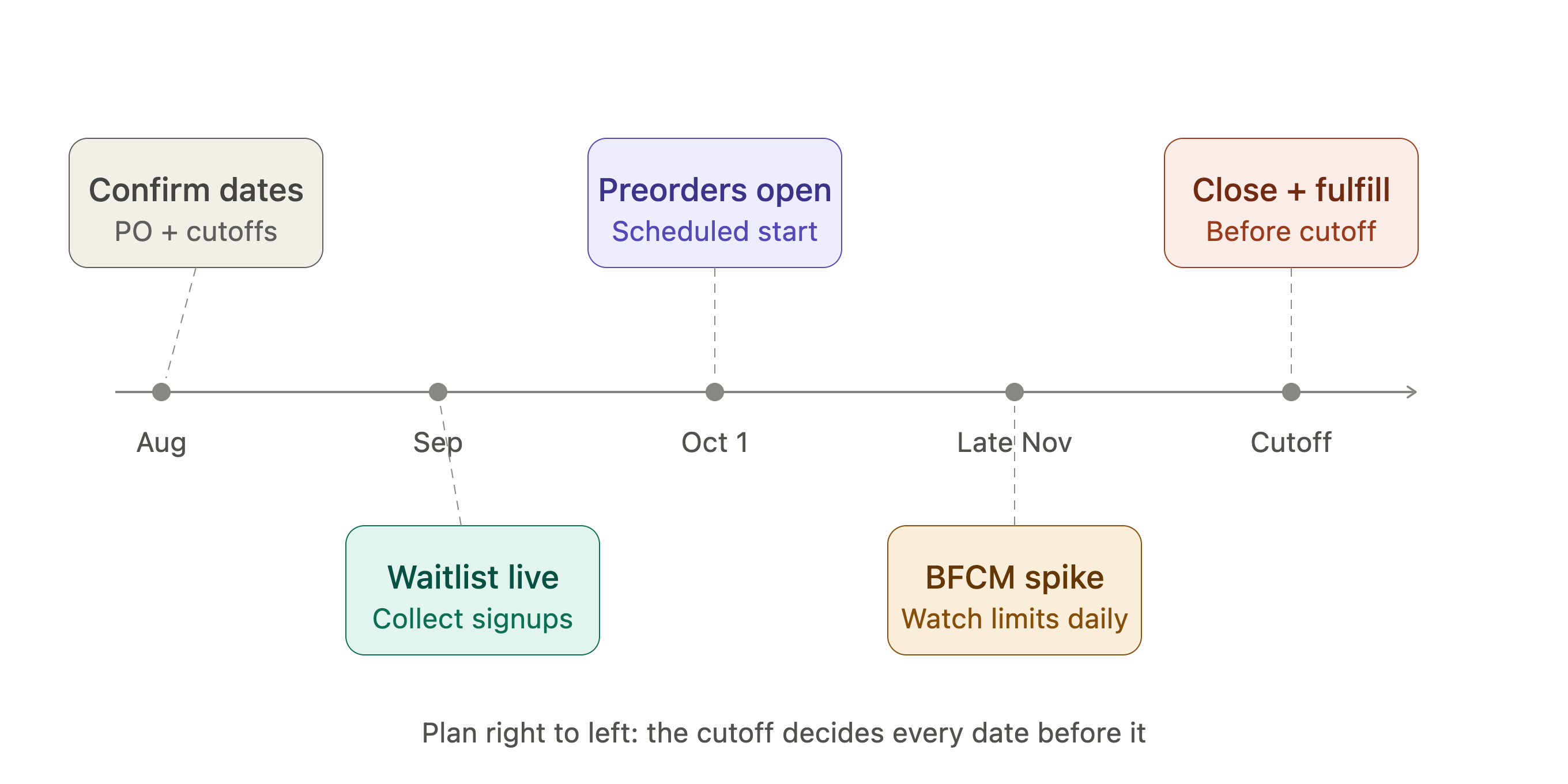
None of this is complicated. It just has to happen in August and September, which is exactly when most stores aren't thinking about Q4 yet.
If your season is BFCM
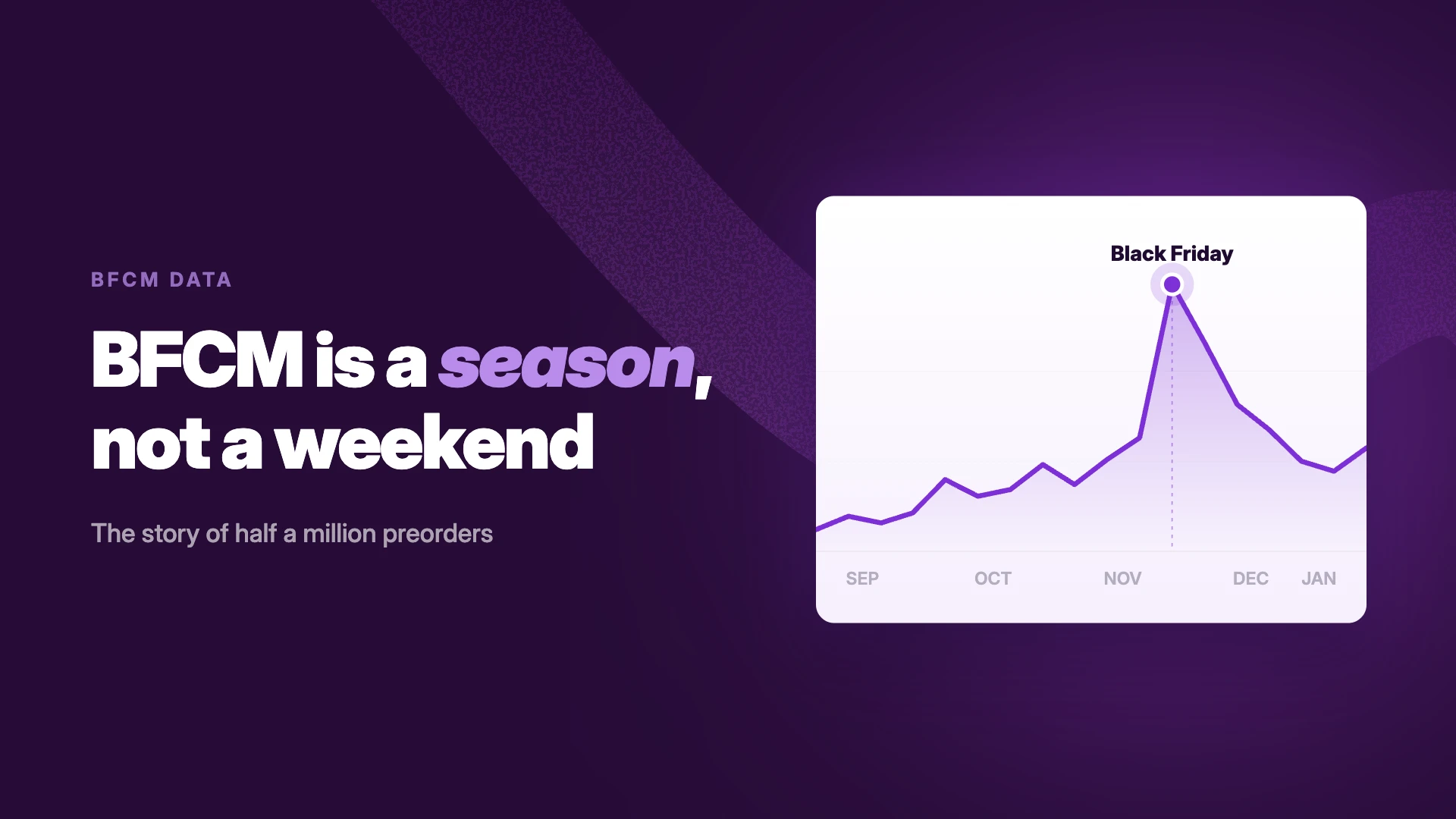
Black Friday–Cyber Monday sits inside the Q4 window but behaves differently: it's a discount event, not a gifting deadline. Three adjustments if BFCM is your main event:
Make the preorder discount your BFCM offer
A preorder-exclusive discount ("preorder now at the Black Friday price — ships December 10th") lets you run a real BFCM deal on inventory that hasn't landed yet. You get the Black Friday price without needing the stock in the building.
Size your limits for a spike, not a curve
A regular seasonal campaign sells steadily; BFCM compresses weeks of demand into four days. A preorder limit that would have lasted the month can be gone by Friday afternoon. Set variant-level limits at true capacity, check them during the weekend, and let the offer's scheduled end date — not a manual toggle at midnight on Cyber Monday — close the campaign.
Keep the delivery promise honest under discount pressure
BFCM buyers are still mostly buying gifts, so the cutoff math from Step 1 doesn't relax just because the price dropped. If BFCM preorders can't deliver before the holiday cutoff, say exactly that on the page — "ships by [date]; not guaranteed for Christmas delivery" sells fewer preorders but avoids the refunds.
What customers need to see
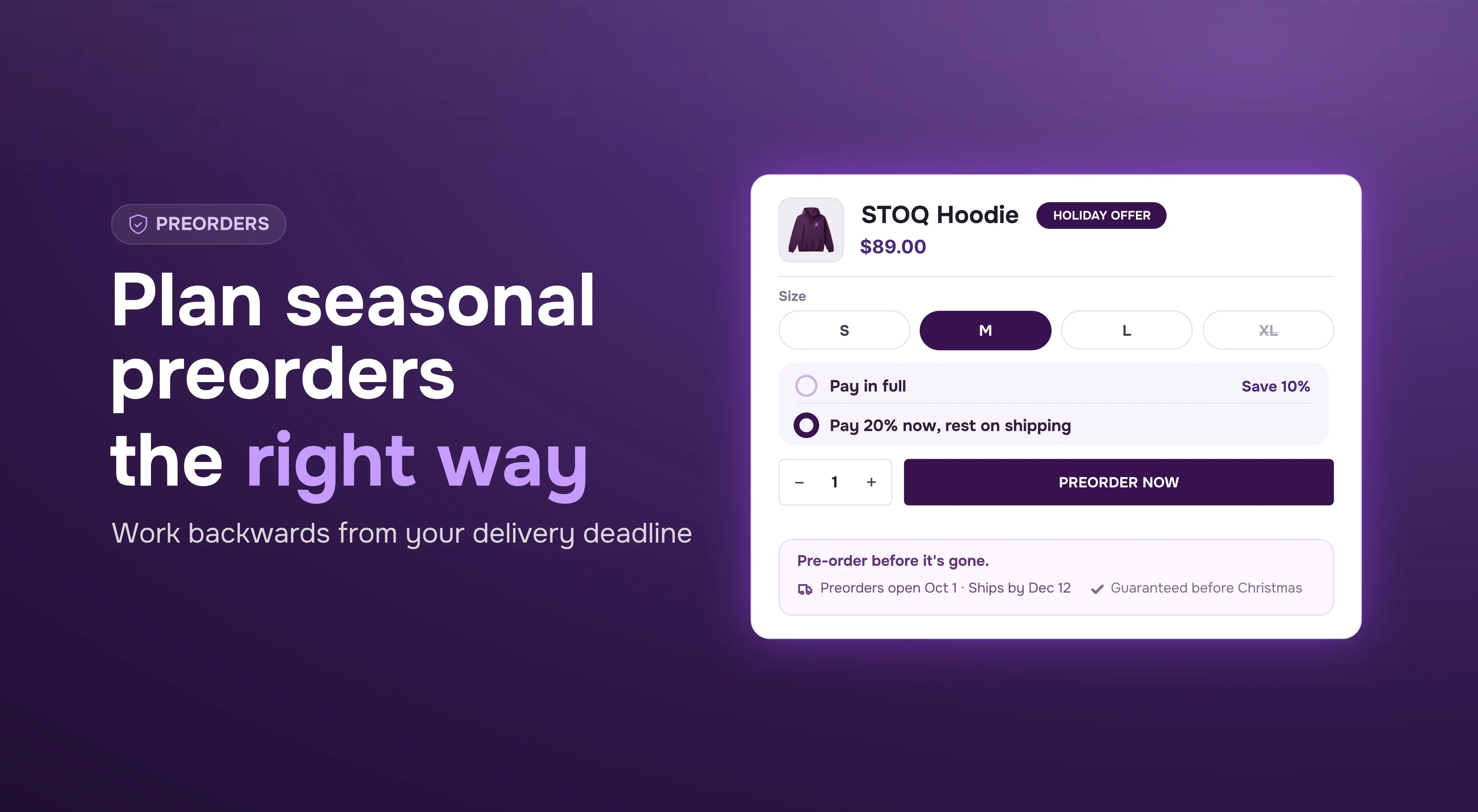
Every preorder page needs the three standard lines — what ships when, what's charged when, how it arrives — on the product page, repeated in cart, restated in the order confirmation. Seasonal adds a fourth:
"Arrives before [the occasion]" — or nothing. If you can guarantee delivery before Christmas, say so; it's the strongest line on a seasonal preorder page. If you can't guarantee it, don't imply it — not in the copy, not in the imagery. Anything a customer can read as "this will arrive in time" becomes a support ticket if it doesn't, and then a chargeback.
Before you press Enable: the go-live checklist
Support sees the same message before every seasonal launch — a merchant writing in an hour before going live: "I'm going live on preorders at 10am, I have my inventory set, do I just press enable? It should NOT be selling unlimited."
Those are the right worries, an hour too late. The checks, in order:
- The offer is enabled and your launch products are actually in it. Open the offer and confirm the product list — don't assume.
- Inventory matches the offer type. Out-of-stock preorders: inventory at zero with Continue Selling on. In-stock preorders: inventory set to exactly the quantity you're willing to sell, because inventory is the limit in that mode.
- Preorder limits are set, per variant. Unlimited is not a launch setting. Either variant-level preorder limits, or in-stock mode where Shopify inventory is the cap — know which one you're using, because they work differently. Learn how to sell preorders for in stock preorders.
- One test order went through before the announcement email goes out — placed, showing as a preorder, correct payment terms, visible in your reports.
A note on urgency: a seasonal campaign doesn't need manufactured urgency, because the close date and the unit limit are real. Show them — a countdown to the close, an early-bird tier for the first N orders, the cap itself. What backfires is faking them: a "limited" run that quietly extends, a countdown that resets. Repeat customers notice, and they're the ones who buy on day one.
What goes wrong in seasonal campaigns
The ship date slips mid-season. Email every preorder customer before they contact you, give the new date, and offer a refund in the same email. Offering the refund upfront feels like inviting losses, but the alternative is worse — a seasonal customer who finds out late disputes the charge, which costs the refund plus dispute fees plus your chargeback rate. Customers warned early often keep the order anyway, and the ones who refund had a clean experience and come back next season.
Changing the offer structure mid-campaign. Switching how products are selected in a live offer — for example, from specific products to a collection — resets shipping dates, limits, and units-sold counts. A store hit this mid-campaign earlier this year and had to reconfigure everything while orders were coming in. Set the structure before opening; during the campaign, only add products within the mode you started with.
Mixed carts, at holiday volume. Shoppers add in-stock gifts to the same cart as your preorder item, and a December customer won't accept their in-stock gifts waiting on a January preorder. Decide before launch whether mixed orders split or ship together — during gifting season the answer is almost always split, so ready items ship now.
Throwing away the leftover demand. When the window closes, put the waitlist back on the page. Everyone who signs up after the close is a customer for next season — and the size of that list is a direct input for next year's order quantity.
Summary
Seasonal preorder campaigns fail on dates far more often than on setup. The offer takes twenty minutes to configure; the dates — the real cutoff, the buffered ship-by promise, the scheduled open and close, the waitlist beforehand — are the actual work, and they happen weeks before launch.
Next step: take your next seasonal product, get the true cutoff date from your warehouse, and run the backwards math this week. If the dates work, schedule the campaign window. If they don't, put up the waitlist and collect signups for next season.
Run seasonal preorders with STOQ — scheduled campaign windows, variant-level limits, waitlist and preorder in one app.
FAQs
How early should I open preorders for a holiday launch?
Work backwards: season cutoff → buffered ship-by date → campaign window. For Q4 that usually means opening in early October, with a waitlist collecting signups from September and supplier/warehouse dates confirmed in August.
Can I run preorders during BFCM?
Yes — a preorder-exclusive discount works as your Black Friday offer on inventory that hasn't landed. Size preorder limits for a four-day spike, and keep the delivery promise honest: state the ship date and whether pre-holiday delivery is guaranteed.
What happens if my preorder inventory arrives late in the season?
Email every customer before they notice, give the new ship date, and offer a refund in the same message. Early notice keeps most orders and turns the rest into clean refunds instead of chargebacks.
How do I stop a seasonal preorder from overselling?
Set preorder limits per variant at your real capacity, or use in-stock preorder mode where your Shopify inventory is the cap. Decide which before launch — never open a seasonal campaign with unlimited quantities.
Can a preorder open and close automatically on set dates?
Yes — preorder offers can be scheduled with a start and end date, so the campaign opens at the announced time and closes on its own. For seasonal windows, schedule both ends.
Should I use a waitlist or a preorder before a seasonal launch?
Both, in order: waitlist while dates are unconfirmed (no payment, no promise), then open preorders once the restock date is solid. If inventory can't land before the season's cutoff, stay with the waitlist.
What happens to orders that mix in-stock items with a seasonal preorder?
Split them, so in-stock items ship immediately and the preorder ships when stock lands. During gifting season, holding ready items back for a preorder item is the fastest way to cancellations.

Rajat is CMO at Artos Software, leading growth for STOQ and our portfolio of Shopify apps through SEO, content, partnerships, and AI-driven marketing.