Does your preorder page actually tell customers when to expect their order?
Is your Shopify preorder page actually telling customers when they'll get their order?
Lots of preorder pages are honestly pretty confusing. They describe the product and tell the customer they can order it today, even though it’s not in stock yet. But they forget the single most important piece of information – when the product will ship.
That’s where most preorder friction starts. In this blog, we show you how to avoid it.
What a customer does when they see a preorder
A customer visits a preorder page and looks around for shipping dates, but finds nothing. They want to preorder your product. But with no concrete information to draw on, they’re left confused – and confused customers rarely buy.
Compare that to a customer who sees a clear preorder shipping timeline, like “Ships within five days””. They know exactly what to expect, so they feel confident enough to preorder your product. Easy!
In this way, sharing clear shipping timelines is doing some amount of conversion lifting by removing the last real reason a willing customer has to hesitate.
How to communicate preorder shipping dates
The more precise you can be about your expected preorder shipping timeline, the more confident customers will feel about purchasing. But the goal here isn’t to tell customers what they want to hear – it’s to give the most specific, honest answer you can based on what you actually know.

So how do you pick the right way to share that information? Here’s how:
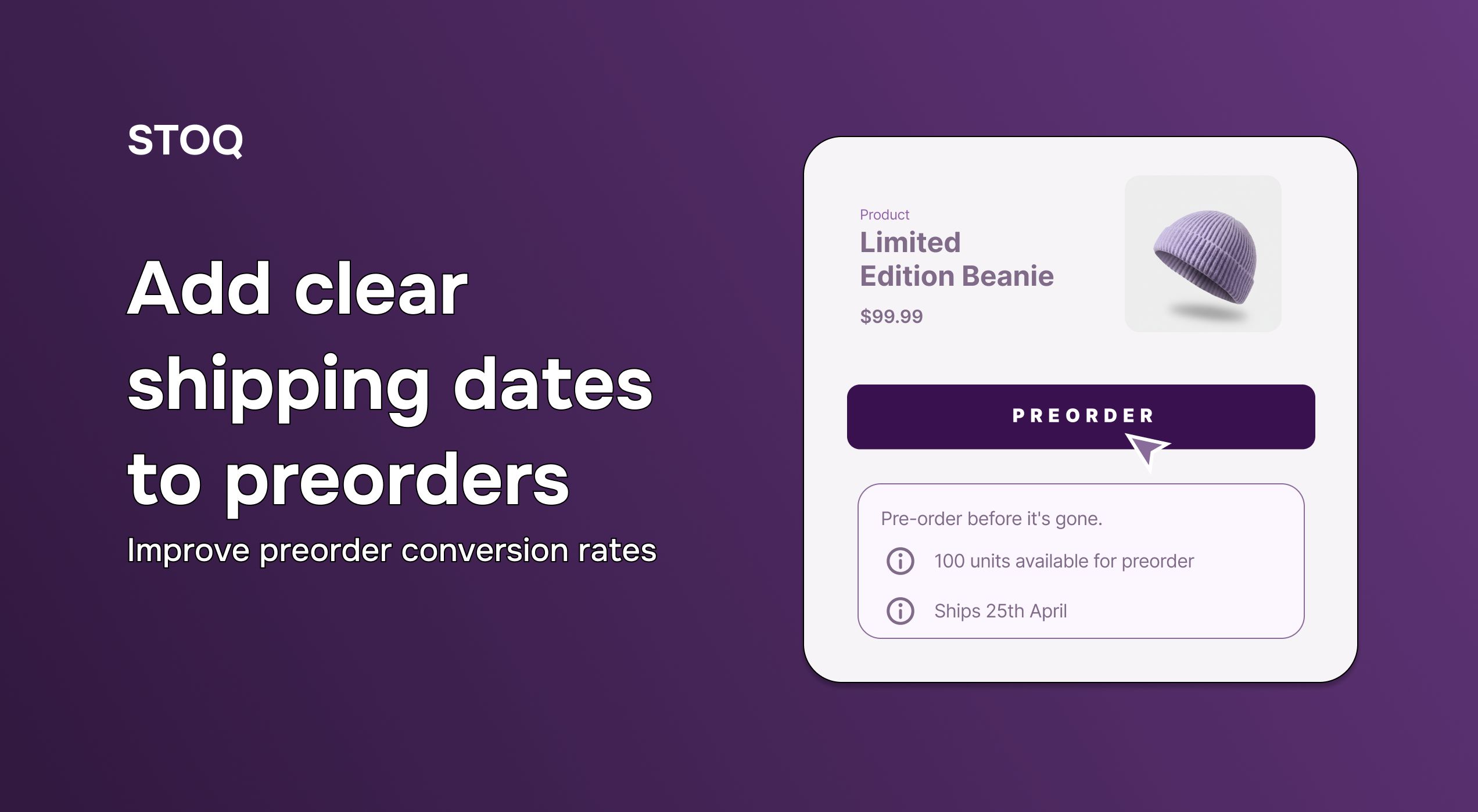
- If you know the exact ship date, use it. “Ships 25th April” is the most useful thing you can show (as long as you haven’t just plucked that date out of thin air). It’s a commitment, and customers respond positively to commitments.
- If you have a narrow shipping window, use that. “Ships in 7 to 8 days” or “Ships late May” still tells the customer that you know your supply chain, while being honest and specific enough to plan around.
- If the timeline is genuinely uncertain, give the outer boundary. “Ships by the end of August” can give you a pretty big window to play with (depending on where you are in the month, obviously), and it’s more useful to customers than “Ships in Q3”.
The important thing to bear in mind here is that any of those options is better than a blank field. If you know your supplier lead time and your freight window, you have everything you need to share an expected shipping date – so what are you waiting for?
One more thing worth calling out: if you sell multiple variants that ship at different times, you don’t want to share a blanket time covering all of them. Instead, make sure each variant carries its own shipping date, otherwise you’ll be sewing exactly the kind of confusion you were trying to avoid.
What happens when your shipping date changes?
This is the biggest concern that stops merchants from committing to a preorder shipping timeline. What if the supplier pushes back? What if I say April and it becomes May?
The simple truth is that (most) customers handle date changes pretty well – just so long as you tell them clearly and proactively. So, if your late-April shipment pushes to mid-May and you let customers know before the original window passes, most will take it in stride.
What doesn’t land well is silence. A customer who bought on the promise of an April date and hears nothing in May isn’t going to think “poor Shopify merchant, it must be soooo hard dealing with all those supply chain complexities” – they’ll think something went wrong and nobody bothered to tell them. That’s when support tickets and refund requests start pouring in.
Also read: How Shopify POS preorders actually work
How does STOQ handle shipping timelines across the preorder flow?
STOQ makes it straightforward to set up and display shipping timelines across your entire preorder flow. You can show the delivery date…
- On the product page
- In the cart
- In the pre-order confirmation email
- In Shopify's order confirmation email
That way, the customer sees it at every touchpoint, not just once.
Also, if you're running preorders across multiple variants with different availability windows, STOQ lets you set a unique shipping timeline per variant. The black colorway ships in April and the olive in June? No worries – both can show the right date on the right product option.
Setup is simple. Merchants enable it, set the date or range, and it flows through automatically.
Your next preorder launch has a narrow window to convert a customer who is already interested. A clear shipping timeline is one of the highest-leverage things you can put on that page.
Try STOQ for free on the Shopify App Store today.

Rajat is CMO at Artos Software, leading growth for STOQ and our portfolio of Shopify apps through SEO, content, partnerships, and AI-driven marketing.