Why Shopify stores need a waitlist app in 2026 (+ Our top 5 recommendations)
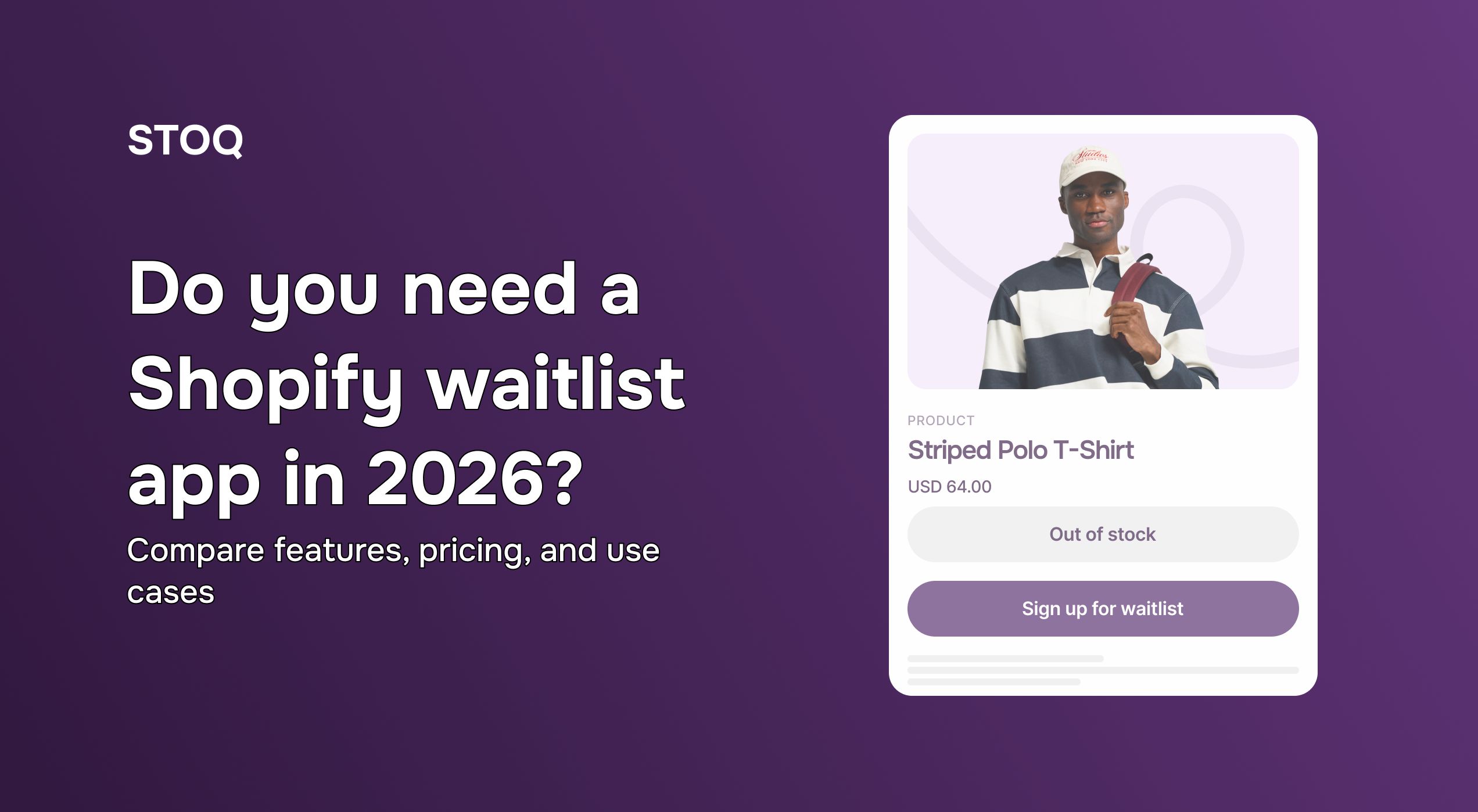
If you run a Shopify store in 2026, you’ve likely seen this play out more than once: a product sells out, traffic keeps coming, and there’s nothing for customers to do but leave. Why?
Because your out-of-stock pages currently act like dead ends with no clear next step!
A Shopify waitlist app solves this exact problem. Instead of letting demand disappear, you give shoppers a way forward — to join a waitlist or preorder — so you can capture intent, follow up when stock returns, and see what’s even worth restocking.
In this guide, we’ll break down how you can evaluate different Shopify waitlist apps for your store and share our top 5 picks.
How to choose the best Shopify waitlist app: A step-by-step guide
Choosing a Shopify waitlist app isn’t just about more features. It’s about picking one that fits your current needs and won’t fall apart as you scale.
Here’s a step-by-step way to choose the right waitlist app.
Step 1: Define your needs and budget
Start by defining why you need a waitlist app. If you’re just starting out, simple restock notifications may be enough. For growing stores, it’s a good idea to take advantage of advanced features like preorders, demand analytics, and workflow automation.
You don’t need to set a budget upfront. Many waitlist apps offer free plans or trials, which are useful for testing whether the flow works for your store. Once you know which features you actually use, it’s easier to decide what’s worth paying for.
Step 2: Evaluate key features
Once you’re clear on the why, the next step is to see which app actually supports that goal. To get the best out of your waitlist workflow, here are some key features to look for:
- Back-in-stock alerts (email, SMS, or both)
- Preorders or backorders (especially if you restock slowly)
- Multi-variant support (size, color, SKU-level demand)
- Customizable forms and messaging
- Demand analytics (to understand which products customers want most)
- Integrations (Klaviyo, Shopify Flow, SMS tools, Markets)
You don’t need every feature on day one, but choosing an app that supports these capabilities can save you from switching tools as your store grows.
Step 3: Prioritize ease of use and integration
A waitlist app should fit naturally into your existing Shopify setup. If it’s difficult to configure or manage, it’s less likely for you to use it consistently.
Look for apps that are easy to add to product pages, handle inventory changes automatically, and work well inside the Shopify admin. Third-party integrations also matter, especially with tools you already use for email or SMS.
It can also be helpful to research what other Shopify stores are using. A Shopify theme detector can help you identify the apps behind stores in your niche. One of such is the Shopify theme detector by Koala Inspector. It helps you understand the exact third-party apps competitors use.
Step 4: Check reviews and ratings
Reviews can tell you a lot about how an app performs in real stores. Don’t just stop at checking the star rating — read a few recent reviews to understand what merchants are actually experiencing.
Consistent comments about bugs, missed notifications, or slow support are usually signs to be cautious, even if the app looks good on paper.
Step 5: Leverage free trials
Finally, leverage the free app trials to test real scenarios that matter the most for your Shopify store. This is also a good time to evaluate the app’s usability and customer support.
By the end of the trial, you should have a clear sense of whether the app fits your workflow and is worth keeping long-term.
Top Shopify waitlist apps for 2026: In-depth reviews and features
Now, let’s talk about our top 5 Shopify waitlist apps that offer the best functionalities, which will help boost your sales this year.
1. STOQ
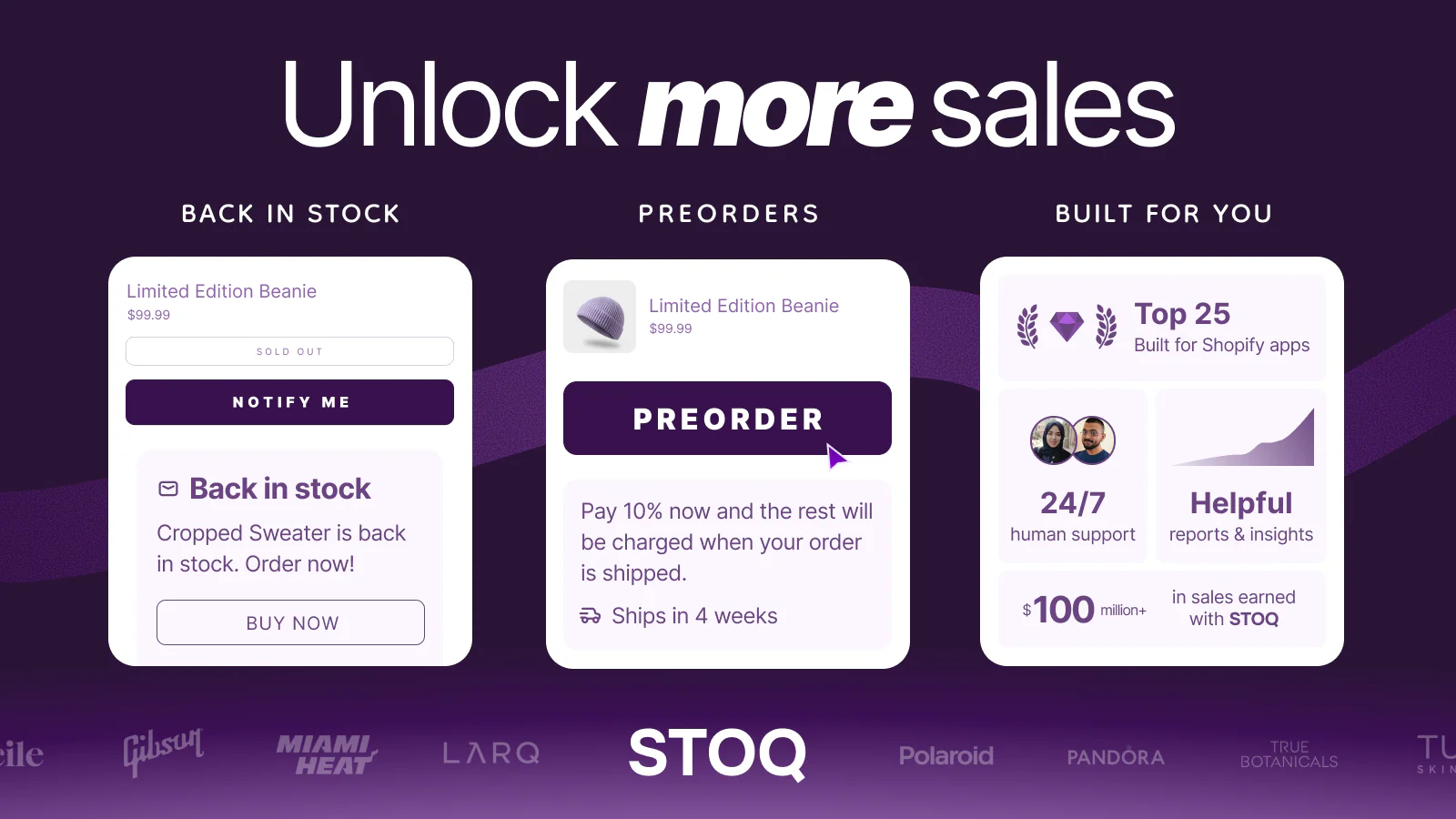
STOQ lets you build waitlists for out-of-stock products with a Notify Me or Preorder button that matches your store’s theme. You can easily set up custom preorder, presales, or backorder workflows directly from your Shopify admin, all while auto-notifying waiting customers via email or SMS. The app also lets you track variant-level demand for different locations and even add partial payment or deposit options to make it easier for customers to complete purchases.
STOQ integrates natively with a wide variety of tools like Shopify Flow, POS, as well as marketing platforms such as Klaviyo, Omnisend, and Mailchimp, so you can start using the app without disrupting your current workflow.
Key Features
- Custom Preorder or Notify Me widgets for out-of-stock products
- Automatic back-in-stock alerts via email and SMS
- In-person waitlist signups using STOQ’s tile on Shopify POS
- Customized preorder offer with partial payments, discounts, and shipping details
- Detailed analytics for smarter restocks
- Multi-location, multi-market, and multilingual support
- Integrations with Shopify POS, Checkout, Flow, Shopify Admin, Klaviyo, Omnisend, Mailchimp, and Pagefly
Ideal for: Stores of all sizes that want full control over waitlists while taking advantage of preorder workflow and third-party integrations.
Shopify rating: 5.0 (2,619)
Pricing & free trial: STOQ offers a free plan that includes preorder workflows, “Notify Me” widgets, automatic restock alerts, and even integrations, with limits of 10 preorders and 30 emails per month.
If you run a larger store, STOQ offers paid plans ranging from $10/month to $69/month, with higher usage limits and 24/7 dedicated customer support. All paid plans include a 14-day free trial, with no transaction fees.
Want to give it a try? Sign up for a free trial now.
2. Notify Me!
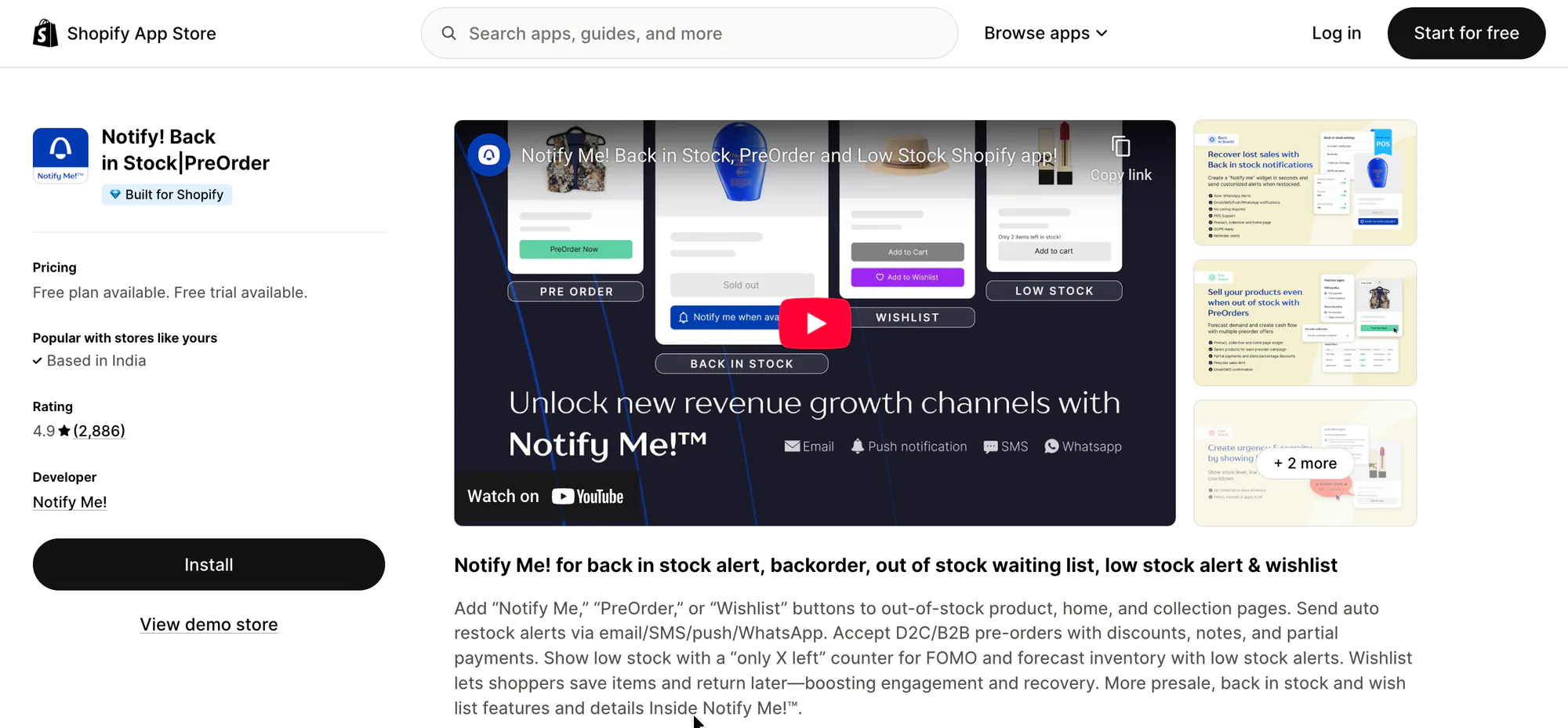
Notify Me! is another great Shopify waitlist tool that lets you add “Notify Me” and “Preorder” buttons, while also providing a wishlist option, so customers can save items for later. The app supports both B2C and B2B orders, with the option to accept partial payments on preorders.
Key Features
- Back in stock alerts through email, SMS, push, and WhatsApp
- Preorder support for both D2C and B2B catalogs
- Wishlist button that works even for guest users
- Low stock widgets and inventory alerts
- Integrations with Shopify Admin, Klaviyo, PushOwl, WhatsApp, and more
Ideal for: Stores that want to build waitlists for both B2C and B2B orders, with support for partial payments and wishlists.
Shopify rating: 4.9 (2,877)
Pricing & free trial: A free Lite plan is available with limited alerts and preorder actions. Paid plans range from $9.90 to $59.90 per month which include higher usage limits and customization options.
Also read: How to create priority waitlist for high-demand products in Shopify
3. Swym Back in Stock Alerts
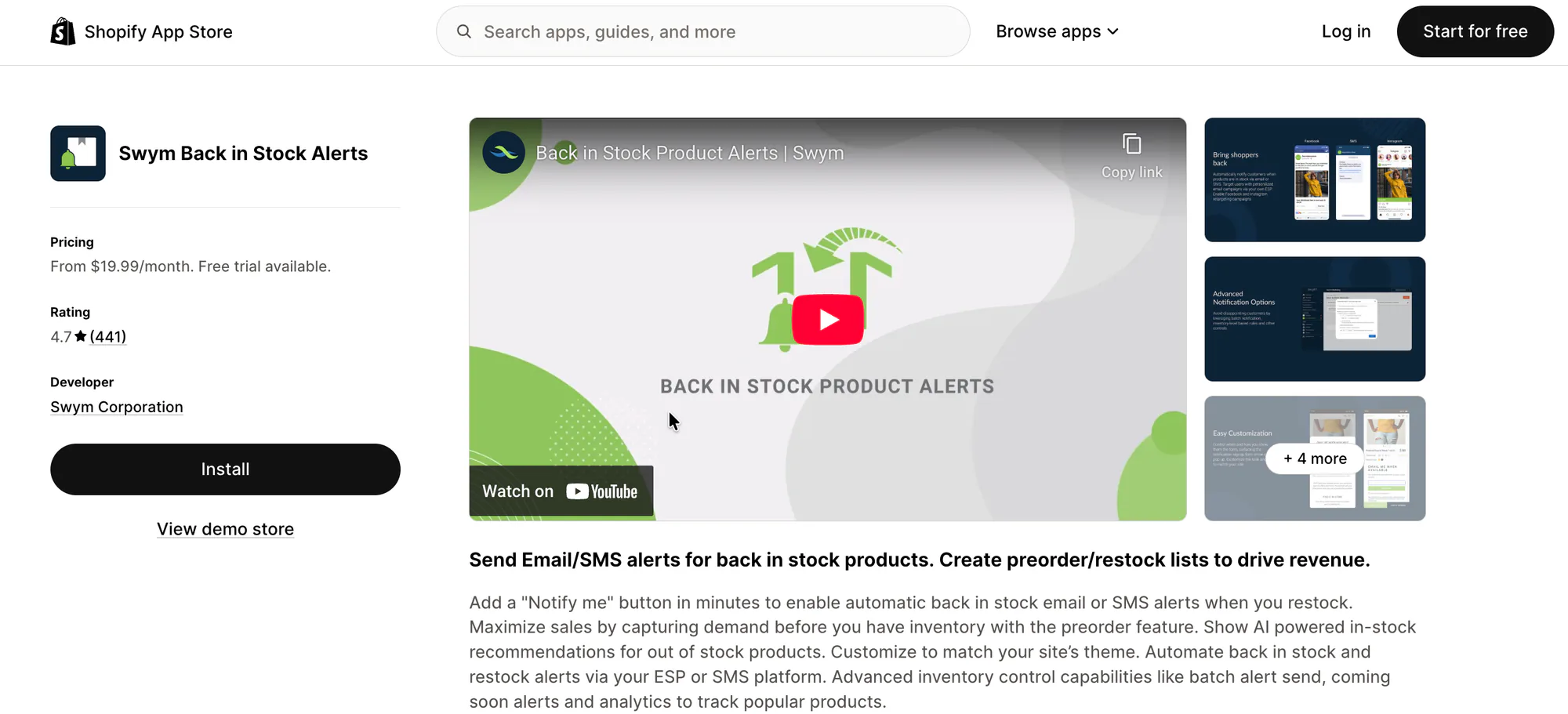
Swym Back in Stock Alerts gives you automatic back‑in‑stock notifications that work with email and SMS, plus Meta retargeting campaigns. Swym also supports batch notifications and inventory-based controls to help you manage your waitlist better.
Key Features
- Custom “Notify Me” button and “Coming Soon” flows
- Email and SMS alerts with social media retargeting
- Integrations with Klaviyo, Shopify POS, Shopify Flow, Omnisend, Mailchimp, and other ESPs
Ideal for: Growing stores that want automated alert flows and tighter integration with email and SMS marketing tools.
Shopify rating: 4.7 (445)
Pricing & free trial: No free version available. However, they do offer a free trial for their paid versions, ranging from $19.99/mo to $99.99/mo.
4. AMP Back in Stock
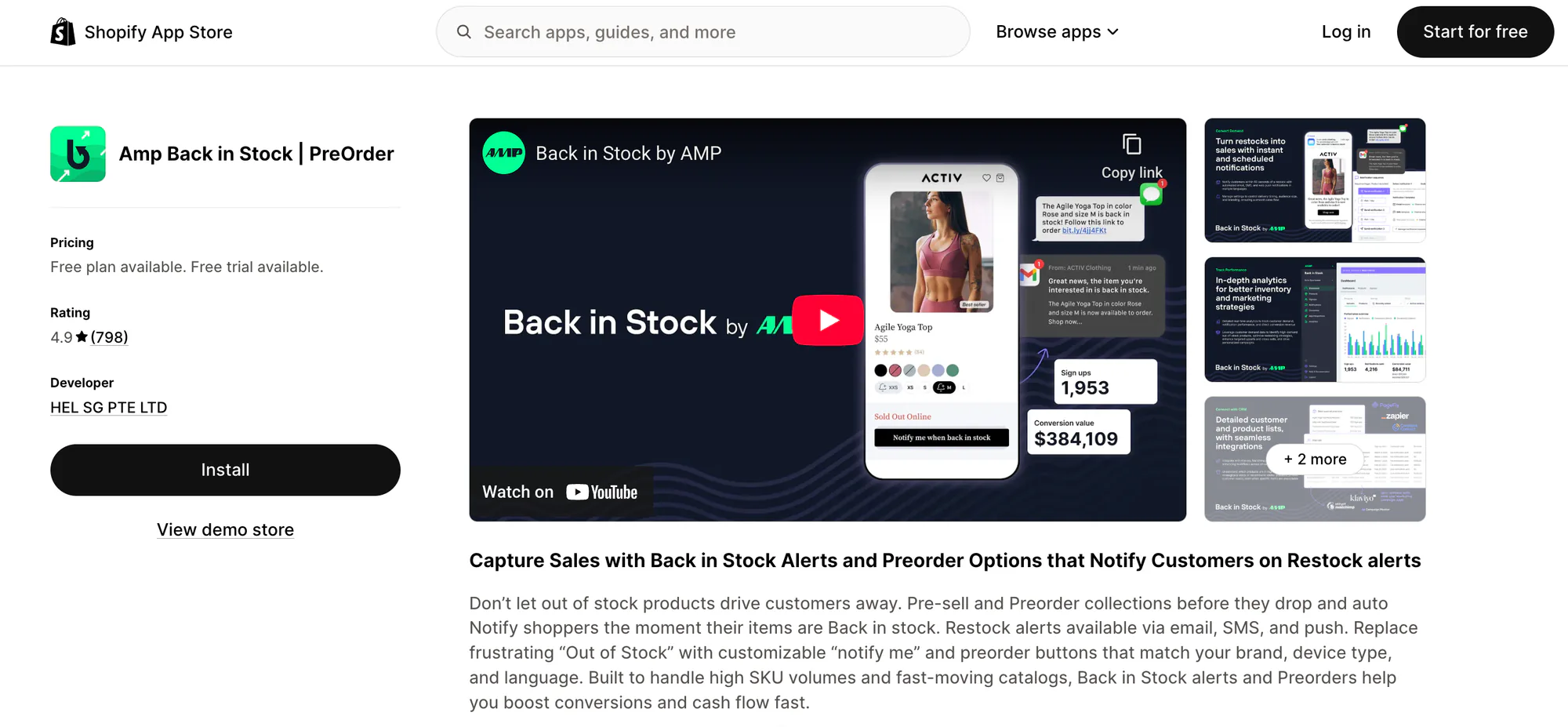
AMP Back in Stock lets you notify shoppers via email, SMS, or push when items restock and also supports preorders. AMP works with most Shopify themes and integrates with tools like Klaviyo and Mailchimp. The app offers a free plan (with limited features) and tiered paid plans, each with a 14‑day free trial option.
Key Features
- Multi-channel back-in-stock alerts
- Preorder support with customizable labels
- Demand tracking with analytics
- Supports integration with Shopify Flow, MailChimp, Klaviyo, and Zapier
Ideal for: Stores that want multi-channel notifications with demand tracking and preorder functionality.
Shopify rating: 4.8 (772)
Pricing & free trial: A free plan is available, but it doesn’t include preorders or integrations. Paid plans start at $19/month and go up to $49/month.
5. REZ Back in Stock
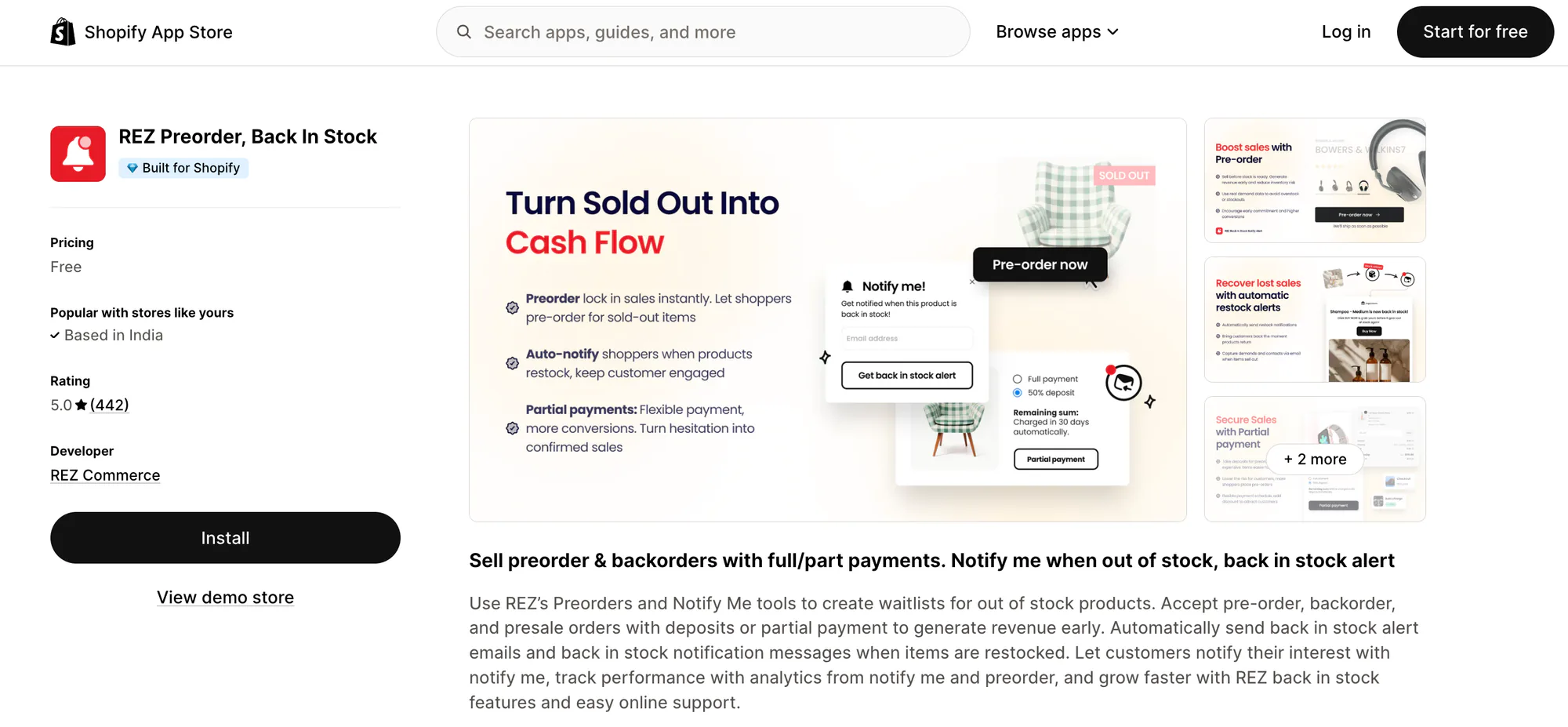
REZ Back in Stock is a great tool if you just want a simple way to add a “Notify Me” button and automatically alert customers when you restock. You can customize the button to match your store’s theme and use their built-in contact form to capture customer details for future emails.
Key Features
- Custom “Notify Me” button, contact form, and email alerts
- Automatic email restock notifications
- Waitlist tracking and product demand analytics
- Integrations with Checkout and Shopify Admin
Ideal for: Stores that primarily need reliable back-in-stock notifications and demand insight without too many advanced functionalities.
Shopify rating: 5.0 (290)
Pricing & free trial: Free up to 1000 emails monthly.
Common mistakes to avoid with Shopify waitlist apps
Even the best waitlist app can underperform if it’s not set up or used correctly. Below are some common mistakes merchants make and how to avoid them.
- Setting false expectations: Customers should know exactly what they’re signing up for. Avoid vague messaging around timelines, quantities, or pricing to prevent frustration later on.
- Over-notifying or under-notifying customers: Sending too many alerts can cause users to unsubscribe, while sending too few can make them forget they ever joined the waitlist. A balanced notification flow tied to real inventory updates works best.
- Ignoring waitlist data: Waitlists generate valuable demand signals. Not reviewing which products, variants, or locations have the highest interest means missing opportunities to restock smarter or prioritize inventory.
- Poor integration with existing marketing stacks: Choose a waitlist app that integrates cleanly with your existing tools, so follow-ups remain consistent and don’t turn into manual work.
- Making the sign-up process complex: Long forms, extra steps, or poorly placed buttons reduce sign-ups. A simple, mobile-friendly “Notify Me” or preorder flow performs significantly better.
Future-proofing your store: why waitlist apps remain essential in 2026 and beyond
Inventory volatility, supply chain delays, and demand spikes aren’t going away. A well-implemented waitlist helps you capture demand instead of losing it when that happens.
If you’re evaluating tools to support this workflow, follow the checklist above and check out our top picks to choose the right waitlist app for your Shopify store.
Want to explore STOQ’s features? Install the app now and connect it to your store to start building waitlists.

Ram leads SEO at Artos Software, optimizing discoverability for STOQ and our portfolio of Shopify apps across Google, AI search, and LLMs.