Looking for a Kbite app alternative for your Shopify store?

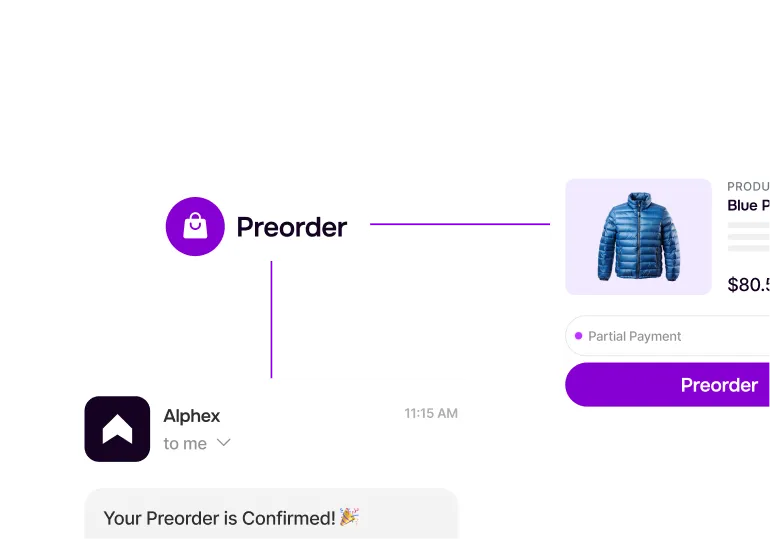
Back in stock alerts help recover demand. STOQ helps you capture it earlier with preorders - while still handling notifications when inventory returns.
Why STOQ

STOQ vs Kbite: what you get

Kbite focuses on back in stock alerts. STOQ helps Shopify merchants both recover missed demand and continue selling even when inventory isn’t available. Still deciding? Let’s explore the features that set STOQ apart
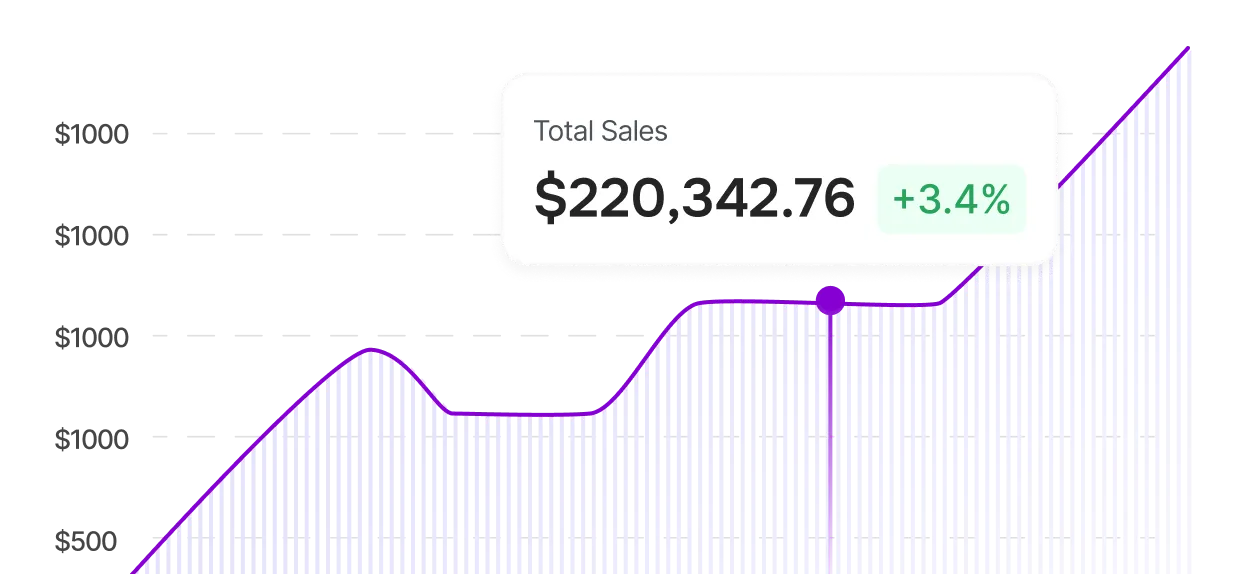
Line graph showing total sales of $220,342.76 with a 3.4% increase highlighted.

Keep selling, not just notify

Back in stock alerts help after inventory returns. STOQ lets you continue accepting orders through preorders while still notifying customers, so demand doesn’t stop when stock runs out.

Capture demand early

Instead of waiting for customers to return later, STOQ helps you capture interest the moment shoppers discover your product. Preorders and alerts work together to turn demand into future sales.
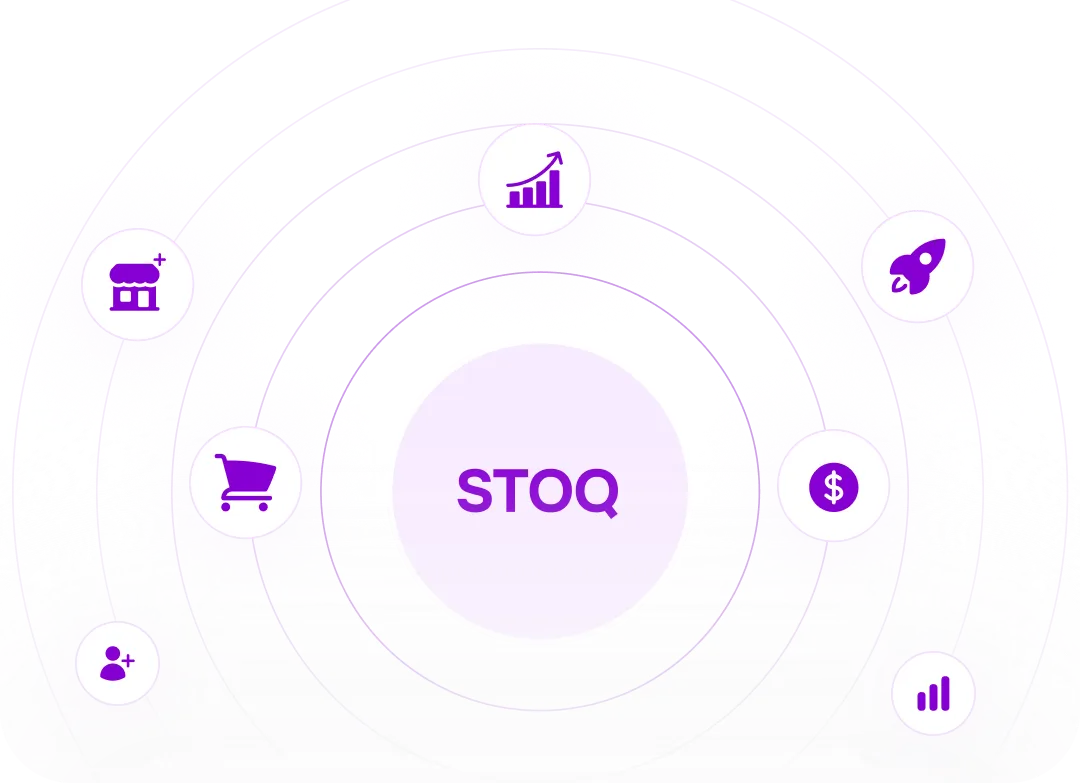
Central circle labeled STOQ surrounded by seven smaller icons representing store, shopping cart, user, growth chart, dollar sign, rocket, and bar chart connected by purple circular lines.

Simple, unified setup

Manage preorders and back in stock alerts from one Shopify-native setup. No multiple apps, no disconnected workflows, and no added complexity as your store grows.
Beyond alerts

Feature Comparison

STOQ
Kbite
Compared Plan
Plan
Lite at $10/month
Starter at $9/month
Preorders- Plan Limits
Preorder Limit
100
0
Preorders- Offers
Create & manage unlimited offers
Yes
No
Customize everything with preview
Yes
No
Notify me on preorder products
Yes
No
Preorder widget
Yes
No
Preorder badge
Yes
No
Require customer to accept terms
Yes
No
Multi-Language
Yes
No
Start and End date
Yes
No
Preorders- Payments
Full or partial payment
Yes
No
Preorder discount
Yes
No
Show payment & discount in cart
Yes
No
Reschedule payment due date
Yes
No
Auto-collect payment on due date
Yes
No
Preorders - Shipping & Fulfillment
Shipping Information
Yes
No
Quantity Limits
Yes
No
Show payment & shipping in cart
Yes
No
Custom cart attributes
Yes
No
Split or hold fulfillments
Yes
No
Bulk fulfillment controls
Yes
No
Sell preorders by market (Shopify Markets)
Yes
No
Require customer acknowledgment
Yes
No
Preorders- Orders Type
B2C & B2B
Yes
No
Point of Sale (POS)
Yes
No
Preorders- Products
Unlimited Products
Yes
No
Sell preorders for out of stock products
Yes
No
Sell preorders for in stock products
Yes
No
Add products by vendor, type, etc.
Yes
No
Import with CSV
Yes
No
Link to Collection
Yes
No
All Products
Yes
No
Preorders - Analytics & Reports
Manage Preorders
Yes
No
Insights
Yes
No
Weekly & monthly reports
Yes
No
Export to CSV
Yes
No
Preorders -Notifications
Shipping update alert
Yes
No
Preorder confirmation email  & SMS
Yes
No
Customize alerts
Yes
No
Use your own email
Yes
No
Remove ‘Powered by STOQ’
Yes
No
Multi language
Yes
No
Send preorder emails & SMS through Klaviyo
Yes
No
Preorders- Pages
Online Store
Yes
No
Featured product + Quick Buy
Yes
No
Shopify Markets
Yes
No
Back in stock - Widget
Notify me widget
Yes
Yes
Unlimited registrations
Yes
Yes
Specific products or variants
Yes
No
Customize alerts
Yes
No
Custom adjustments
Yes
-
Show button if any variant is out of stock
Yes
Yes
Double opt-in
Yes
-
Quantity required
Yes
Yes
Remove ‘Powered By’
Yes
Yes
Boost mailing list
Yes
-
Multi-language
Yes
Yes
1-click resubscribe
Yes
-
Customer name
Yes
-
On-page signup form
Yes
Yes
Shopify markets
Yes
No
Back in stock - Notifications
Notifications per month
1,000
2,500
Email alerts
Yes
Yes
SMS alerts
Yes
No
SMS fees
$0.25/seg
$0.2/seg
Customize alerts
Yes
Yes
Automatic back in stock alerts
Yes
Yes
Minimum restock quantity
Yes
Yes
Reminder alerts
Yes
-
Use your own email
Yes
Yes
Remove ‘Powered By’
Yes
Yes
Multi-language
Yes
Yes
Filter locations
Yes
-
Shopify Markets
Yes
No
Send emails with Shopify Flow
Yes
-
Send emails & SMS with Klaviyo
Yes
-
Custom HTML template
Yes
Yes
Branded links in SMS alerts
Yes
-
Send when product is published
Yes
Yes
Send to customers in batches
Yes
Yes
Notify if any variant is  restocked
Yes
Yes
Back in stock - Channels
Online Store
Yes
Yes
Point of Sale (POS)
Yes
-
Headless
Yes
-
Product page
Yes
Yes
Collection, home, etc.
Yes
No
Featured product + Quick Buy
Yes
No
Back in stock - Analytics & Reports
Insights
Yes
Yes
Weekly & monthly reports
Yes
-
Track product demand in real time
Yes
Yes
Manage subscribers
Yes
-
Track sales recovered
Yes
Yes
Import with CSV
Yes
-
Export with CSV
Yes
-
Integrations
Shopify Flow
Yes
-
Sync visitors to Shopify
Yes
-
Sync to Klaviyo, Omnisend & Mailchimp
Yes
-
Translate & Adapt
Yes
-
Back in stock & preorder alerts with Klaviyo
Yes
-
Developer
SDK & APIs
Yes
-
Metafield
Yes
-
Dev Mode
Yes
-
Support
24x7 human support
Yes
No
Slack
Yes
No
Other
Languages
24
-
Feature Comparison Note: This comparison reflects STOQ’s Lite plan at $10/month and Kbite’s Starter plan at $9/month. The table highlights how feature availability differs between plans at similar entry-level pricing tiers.
Migrate in minutes

Switching is simple: Migrate in minutes

Switching to STOQ doesn’t mean starting over. If you already have sign-ups from another app, you can easily bring them with you - so your customers keep getting timely back-in-stock alerts without missing a beat. Here's how simple it is:

Install STOQ

Pick a plan that fits your needs, then follow our easy step-by-step onboarding or schedule a support call for personalized help.

Export Your Data

Export your existing alert subscriber info from your current app.

Import to STOQ

Upload that data into STOQ’s provided template format to ensure your customers stay connected seamlessly.
FAQ’s

Got Questions? We Have All the Answers You Need

Is STOQ a good alternative to Kbite?

Yes. While Kbite focuses on back in stock alerts, STOQ combines preorders and back-in-stock notifications in one app. This allows merchants to keep selling during stockouts instead of only notifying customers after products return.

What is the main difference between STOQ and Kbite?

Kbite helps recover demand by notifying customers when items are restocked. STOQ goes a step further by allowing merchants to capture demand earlier through preorders while still offering back in stock alerts when inventory becomes available.

Can STOQ replace a back in stock alert app?

Yes. STOQ includes full back in stock notification functionality, so merchants can manage alerts and preorder workflows from a single setup instead of using separate apps.

When should I use preorders instead of back in stock alerts?

Preorders work best when you expect inventory to return soon or want to continue accepting orders during out of stock instances or planning for a new launch. Back in stock alerts are useful when timelines are uncertain. Many merchants use both together to manage demand across different situations.

Can I use both preorders and back-in-stock alerts at the same time?

Yes. Many successful Shopify stores use preorders to keep selling during out of stock instances and back in stock alerts to notify customers once inventory is available again. STOQ allows both workflows to run together.

Do I need technical setup to switch from Kbite to STOQ?

No. STOQ works out of the box with most Shopify themes, allowing you to set up preorder and alert workflows without custom development. Our team also provides 24×7 human support whenever you need assistance.