Black Friday email examples & personalization tips for Shopify stores
Black Friday and Cyber Monday (BFCM) is not just a sales holiday. It's a fight for your customer's attention — every brand they've ever bought from is in the same inbox shouting "FINAL HOURS!" and "DOORBUSTERS!" If your strategy is to send one generic "50% OFF EVERYTHING" email to your entire list, you're competing on volume against stores with bigger lists than yours.
For busy Shopify merchants, personalization is the single most effective tool for breaking through the noise, increasing your open rates, and making your customers feel like you're speaking directly to them. In this guide, let's cut the theory and see practical, actionable techniques you can set up before the BFCM 2026 chaos begins.
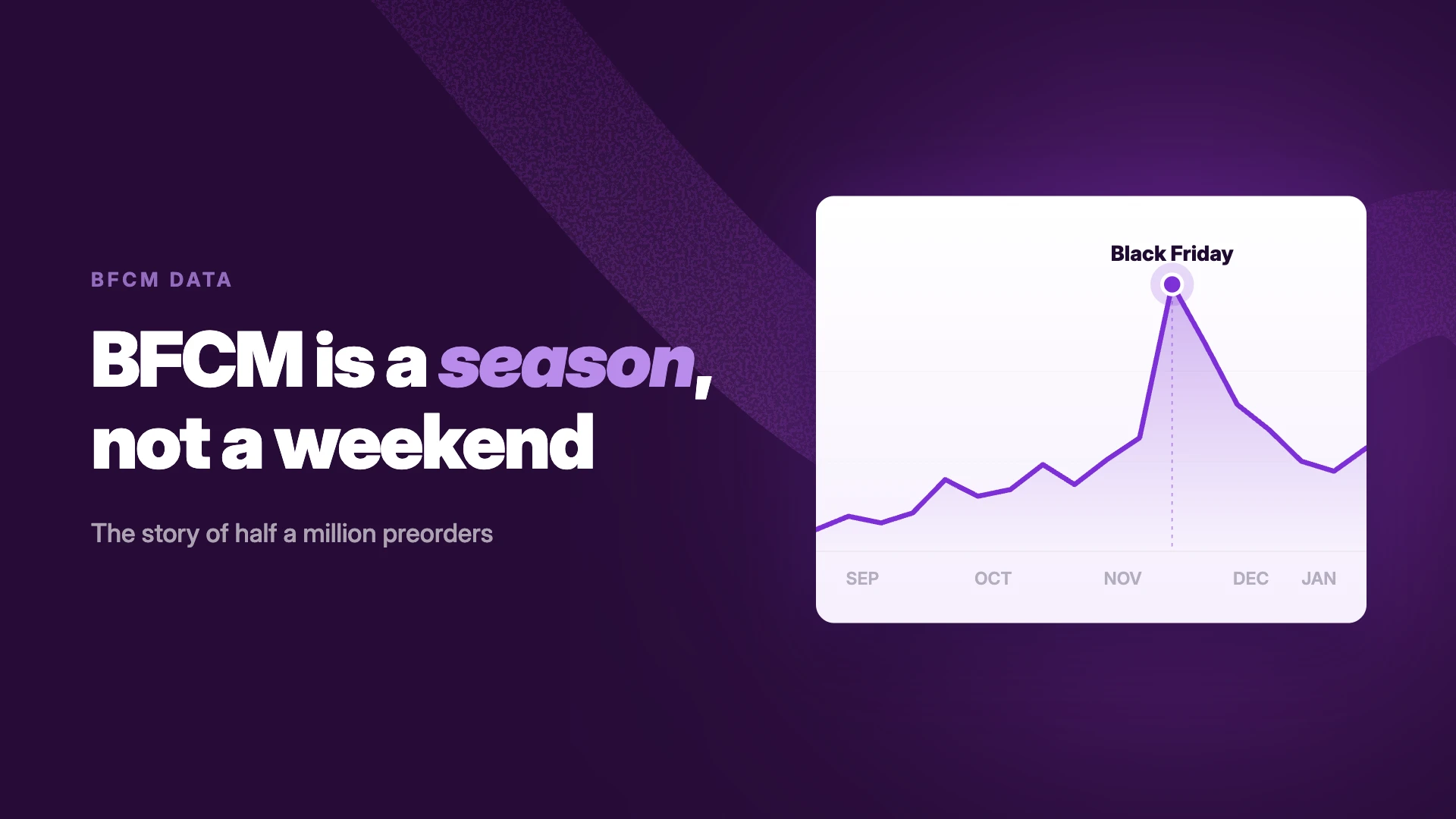
Shopify merchants brought in a record-breaking $14.6 billion in sales over BFCM 2025.
Prepping the rest of the store too? The full month-by-month plan is in the Black Friday checklist for Shopify stores.
What is BFCM email personalization?
BFCM email personalization is the practice of using subscriber data such as purchase history, browsing behavior, demographics, and timing to tailor email content specific to each customer's interests and intent.
And no, personalization isn't just "Hey {{FirstName}}".
It's about delivering the right offer, to the right person, at the right time. It means using data you already have like:
- What did they buy last BFCM?
- What categories do they browse most?
- What have they left in their cart?
- What did they want to buy that was sold out?
The impact is immediate. Studies show that personalized subject lines alone can increase open rates by over 26%. During BFCM, that 26% is the difference between getting seen and getting buried.
Why email personalization is essential for BFCM campaigns?
Your customers are smart, and they're overwhelmed. A generic email has a chance of getting unsubscribed. Sending the same blast to your entire list tells your VIPs and your first-time buyers that you see them as the same person, a number on a list. A personalized campaign, on the other hand, delivers real, measurable outcomes:
- You get noticed (Higher open rates): A subject line that references a product they actually want will always beat a generic "Our sale is LIVE."
- You make more sales (Higher conversion): You're not guessing what they want. You're showing them products based on their past behavior.
- You build loyalty (Better retention): You're proving you listen. You're treating them like an individual, not a transaction. That's how you turn a one-off BFCM shopper into a loyal, year-round customer.
Top email personalization techniques for BFCM
You don't need a massive team to do this.
If you're on Shopify and using an email tool like Klaviyo, you already have the tools you need. Here are the 5 most practical techniques you should follow during the 2026 BFCM season:
1. Personalize the subject line (beyond their name)
Use what you know about them to spark curiosity.
- Generic: "Our BFCM Sale is Here - 40% Off"
- Personalized: "A BFCM deal on that [Product Name] you wanted"
- Personalized: "Your early access to our [Product Category] sale is here"
2. Segment your audience for hyper-targeted campaigns
Now, this is the most important technique. Stop sending one email to everyone. Your list is made of different people. Talk to them differently.
Your core BFCM segments should be:
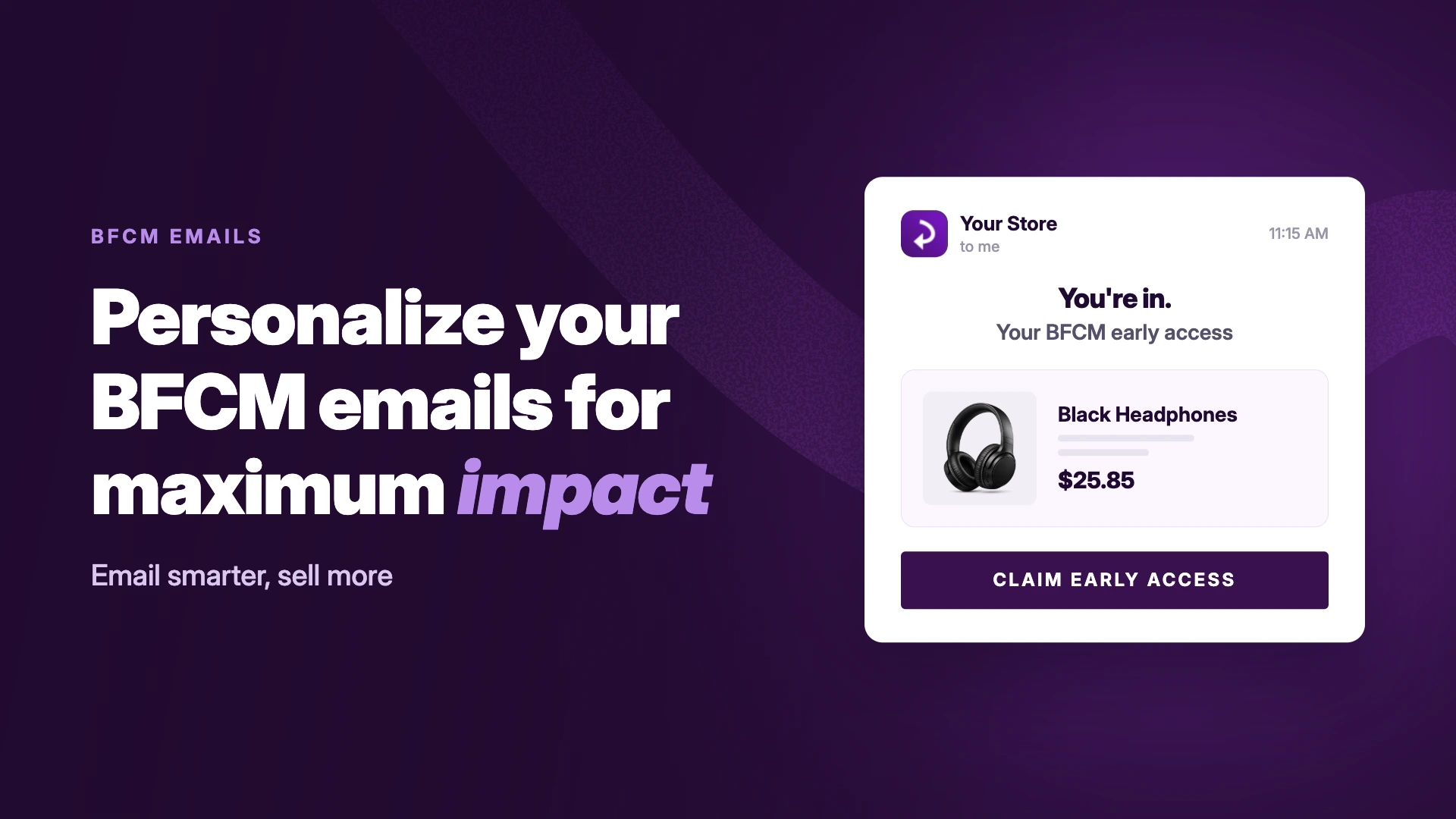
- VIPs / Past Holiday Shoppers: These are your best customers. Don't insult them with a "new customer" discount. Give them early access. Make them feel valued.
- Email: "You're in. Your BFCM early access starts now."
- Cart Abandoners: They are so close. They just need a final, clear nudge.
- Email: "Still thinking it over? Your cart is waiting (and now it's on sale)."
- Lapsed Customers: Someone who bought once but never came back. This is your chance to win them back with your best, most aggressive offer.
- Email: "We miss you. Here’s 40% off to come back."
- Waitlister Audience: These are customers who came to your site, saw a product was sold out, and raised their hand to say, "Please email me the moment this is back." This is not a cold lead. This is the highest-intent shopper you have.
- Email: It’s back - and going fast. Grab your Black Hoodie before your 40% BFCM deal disappears!
Not converting interest in out of stock products yet? Here's how to sell out of stock product
3. Time based and behavior triggered emails
During BFCM, timing is everything. For example, you have waitlist subscribers who’ve clicked “Notify Me” on sold-out products. These shoppers have made a clear statement about what they want, making them your highest-intent segment. The key to winning their sale is sending the right message at exactly the right time.
Here is how to personalize for them:
- Restock notification trigger: Automatically send an email the moment the product is back in stock. Use subject lines like, “It’s Back—Claim Your [Product Name] Before It’s Gone!” to spark urgency and immediate action.
- Time sensitive follow ups: If they don’t purchase after the initial alert, send a reminder within 24-48 hours emphasizing scarcity and limited BFCM pricing, for example, “Last Chance: Your Waitlisted [Product Name] Won’t Last at This Price.”
- Exclusive offers for waitlisters: Reward these high-intent customers with personalized discounts or early access to BFCM deals, making them feel valued and more likely to convert.
- Behavior based cross sells: At restock or in follow-ups, include personalized product recommendations based on their browsing or past purchases to increase average order value.
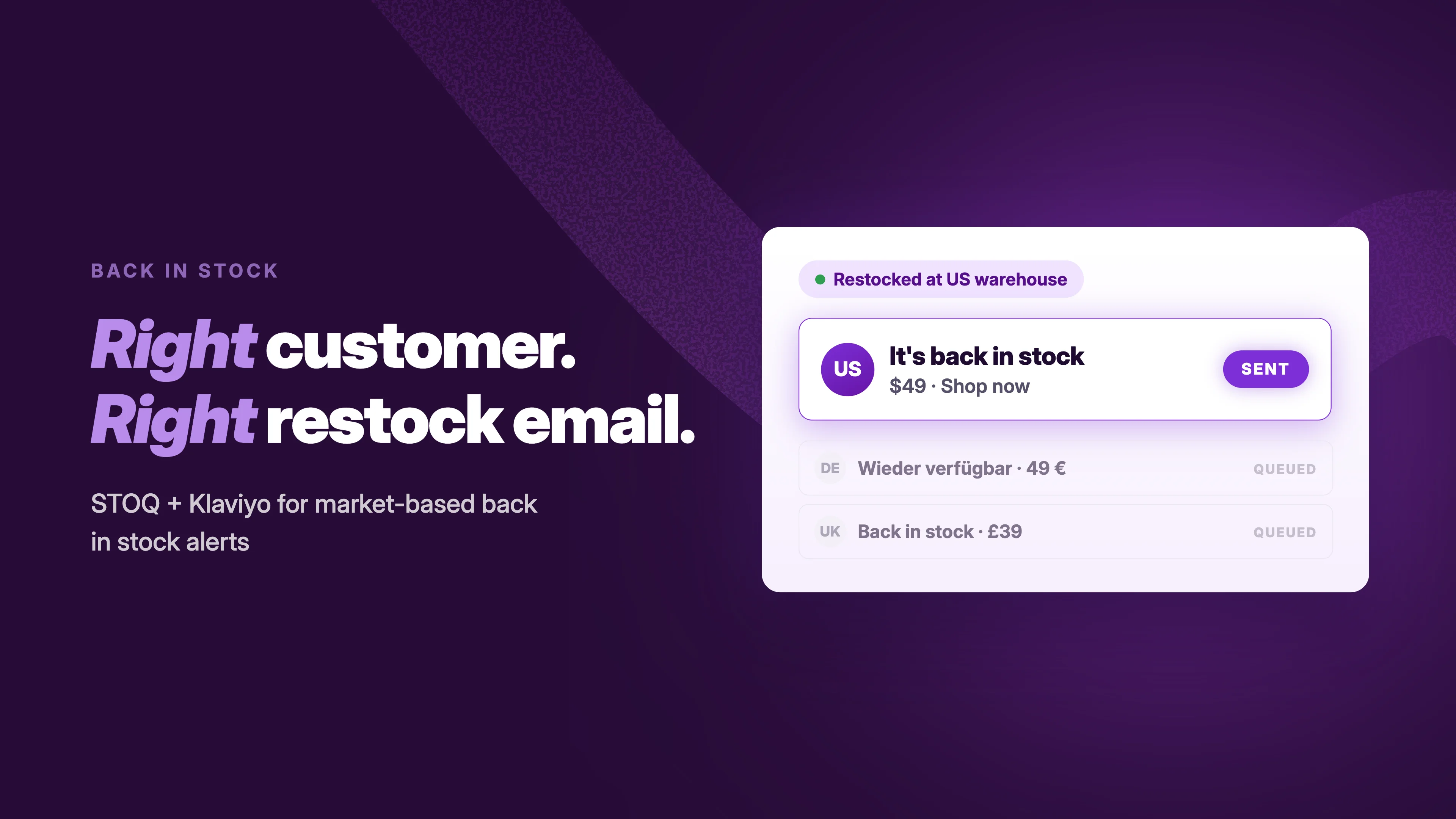
In STOQ: connect Klaviyo and these triggers run from your own flows, restock alerts fire as Klaviyo events, so the follow-up reminder and cross-sell blocks live in the same flow you already use. Watch the setup video below for STOQ and Klaviyo integration for back in stock alerts . During BFCM, batch the sends to match your inventory so you only alert as many people as you can serve.
4. Use dynamic content and recommendations
Inside your email, show your customers what they want. Don't make them search for it. Using dynamic blocks in Klaviyo or any other email tool of your choice, you can automatically pull in:
- "You Viewed": Products they've recently browsed.
- "Cross-Sell": Products that complement what they've already bought. (If they bought a bike, show them helmets, not another bike).
- "Cart Contents": The exact items they left in their cart.
As a result, your email will feel like a personal shopping service and not a broadcast.
5. Personalize the offer itself
Who says everyone has to get the same deal?
- For VIPs: Offer "Early Access" or a "Free Gift with Purchase." They often value exclusivity more than a deep discount.
- For Lapsed Customers: Give them your best discount (e.g., "An extra 10% off just for you") to win them back
- For New Subscribers: A simple, strong "Welcome + 25% Off" is perfect.
Black Friday email examples you can copy
Example 1: The restock alert (waitlister segment)
Here is a practical, no-fluff email template for that high-intent "Notify Me" segment we talked about.
Subject: You asked. It's back (and 25% off for BFCM)
Preview text: Don't miss out on the Black Hoodie again
Email content template:
.jpg)
This email is simple, direct, and incredibly effective because it's a direct, automated answer to a question the customer already asked.
Example 2: The VIP early access
Subject: You're in. Early access starts now.
Preview text: Shop the BFCM sale 24 hours before everyone else
Email content template:
You've been one of our best customers this year, so you get first pick. The full BFCM sale opens to your private link right now — the public gets it tomorrow. [Shop early access →]
Example 3: The last-chance reminder
Subject: Last chance: your [Product Name] won't last at this price
Preview text: BFCM pricing ends Sunday midnight
Email content template:
You grabbed a spot on the list for [Product Name] — it's back in stock, and the BFCM price disappears when the weekend does. After Sunday it's back to full price, and we can't promise the stock lasts that long either. [Claim yours →]
Want more restock email teardowns? Check our best back in stock email examples.
FAQs
What should a Black Friday email include?
One clear offer, a subject line tied to something the customer actually wants, a visible deadline, and a single call to action. Personalized product blocks (browsed, carted, or waitlisted items) outperform generic bestseller grids.
When should I send Black Friday emails?
Start warming your list in early November, send VIP early access 24–48 hours before the public sale, the main announcement on Black Friday morning, and deadline reminders through Cyber Monday. Restock alerts send themselves — the moment inventory returns.
What's the best email segment for BFCM?
Waitlist signups — customers who asked to be told when a sold-out product returns. They've named the exact product they want, which makes the restock alert the highest-converting email you can send all weekend.
How do I send back-in-stock emails through Klaviyo during BFCM?
Connect your waitlist app to Klaviyo so restock alerts fire as events in your own flows, then add the 24–48 hour reminder as a follow-up step. Batch sends to match inventory so you only alert as many people as you can serve.
Make every email Count this BFCM
Instead of sending generic emails, focus on personalized campaigns that reach the right people at the right time. Use customer behavior to trigger messages and tailor offers based on what each shopper wants. This helps increase open rates, connect with serious buyers, and boost sales during BFCM.
Want your waitlist and restock alerts running through email and SMS before the rush? Install STOQ from the Shopify App Store — it's free to start.
Rajat is CMO at Artos Software, leading growth for STOQ and our portfolio of Shopify apps through SEO, content, partnerships, and AI-driven marketing.