Best Shopify backorder apps in 2026: Sell products while stock is out
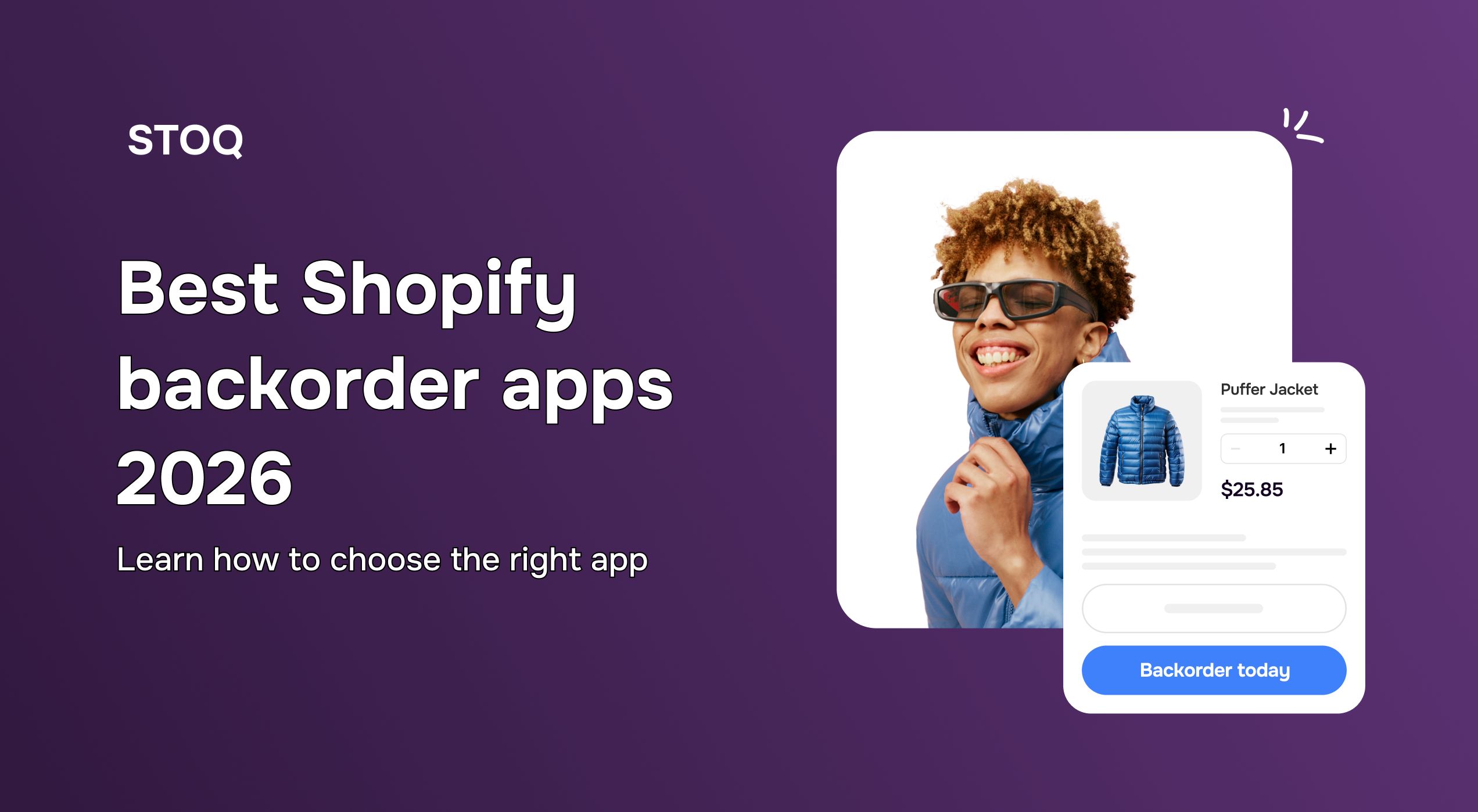
Backorder apps let customers place orders on out-of-stock products with a delivery date shown upfront. Without an app, you're either losing those sales or manually toggling "continue selling when out of stock" and tracking expected ship dates yourself. However, this can soon get messy, especially if multiple products go out of stock at once.
A reliable backorder app runs in the background. Customers see an expected delivery date, check out normally, and get a confirmation with their timeline. You can see which orders are pending fulfillment without digging through spreadsheets. It's one less thing to manage when inventory issues are already stressful.
Quick Note: Backorders sell temporarily out of stock items. Preorders even sell unreleased products. STOQ handles both. However, this guide focuses on backorders. If you're looking to notify customers when a product restocks rather than sell it during the stockout, our back-in-stock apps guide covers that instead.
Features to look for in a Shopify backorder app
Not all Shopify backorder apps perform the same. The right solution will help you capture demand, protect your brand, and scale smoothly. Here are the features to prioritize:
1. Easy to set up and use
The app should work without requiring a developer or hours of configuration. Look for clear defaults, an intuitive dashboard, and setup that is quick. The last thing you need is a backorder app that creates new problems or requires constant attention from your team.
2. Reliable during critical moments
The app needs to work predictably when it matters most: during restocks, or high-traffic periods. Check reviews for mentions of stability, speed, and whether notifications actually send when they're supposed to. An app that fails during a restock can damage customer trust more than not having one at all.
3. Quality support when you need it
Even the best apps occasionally need troubleshooting. Look for apps with consistent human support. Reviews that mention support by name or describe fast response times are good trust signals that you won't be left stranded.
4. Clean inventory integration
The Shopify backorder app should sync automatically with Shopify inventory and variants, trigger alerts without manual work, and prevent overselling. If it requires constant monitoring or manual updates, it's creating work instead of reducing it.
5. Delivery date shown on the product page & cart
The app should display an expected ship date or delivery window directly on the product page and cart. Customers won't commit to a backorder if they don't know when it arrives. Look for apps with a configurable date display that updates automatically based on your restock timeline. An app that just changes the button label to "Backorder" without showing any date leaves customers guessing — and leaves your support inbox full.
6. Automatic switching between normal and backorder mode
The app should switch a product to backorder mode when inventory hits zero, and back to normal when you restock. Manually toggling this is easy to miss, especially when stock changes overnight or across multiple variants. Look for configurable thresholds so you control when the switch happens. An app that requires you to remember to turn backorder mode on and off is creating work instead of reducing it.
7. Analytics on demand
You should be able to see at a glance which products have waitlists, how many customers are waiting, and what's converting. This helps you make restocking decisions based on real customer interest and reduces manual work.
8. Preorders and partial payments (if needed)
If you want to fund inventory through preorders or capture revenue before restocking, make sure the app handles this clearly and predictably. This feature matters more for some businesses than others.
9. Customization options
After you're confident the app works reliably, customization matters for brand consistency. Look for control over fonts, colors, email templates, and messaging. However, only evaluate this after confirming the app does its core job well.
10. Backorder order email sequence
A standard Shopify order confirmation isn't enough for backorders. Customers accepted a delivery timeline — they expect to be kept updated as it moves. Look for apps with a dedicated backorder email sequence: a confirmation with the expected ship date, a dispatch notification, and a fulfillment update. If customers only get a generic order email with no date, they'll email you asking where their order is before it's even had a chance to ship.
11. Multi-language support
For stores serving multiple markets, localized notifications feel more personal and improve trust. But if you're primarily focused on one market, you don’t have to worry about it.
The right app earns your trust by working predictably and requiring minimal attention. With that being said, let’s take a look at the best Shopify backorder apps in 2026.
Top Shopify backorder apps in 2026
1. STOQ
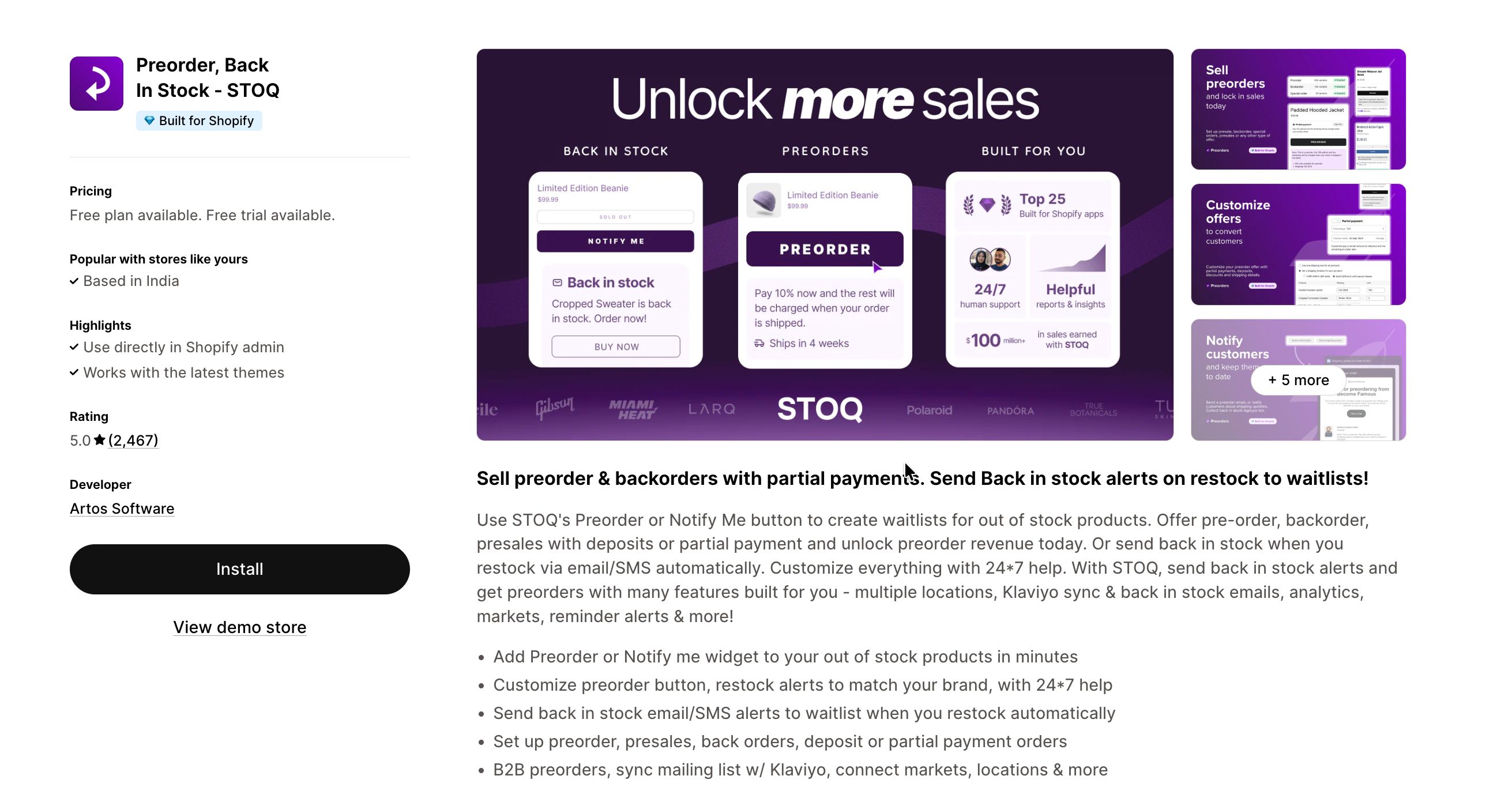
STOQ is a Shopify backorder and preorder app built for merchants who need stockout management that runs without manual work. When inventory hits zero, STOQ automatically switches the product to backorder mode, shows customers an expected delivery date, and takes their order. When stock arrives, it switches back.
Unlike apps that only send restock notifications, STOQ lets customers place real orders during out of stock moments. You can offer partial payments to capture revenue before inventory arrives, and set delivery date estimates that display directly on the product page before customers commit.
Key features:
- Automatic backorder mode: switches products to backorder when stock hits zero and back to normal when you restock
- Delivery date display: shows customers an expected ship date on the product page and cart
- Partial payments: capture a deposit upfront and collect the remainder on fulfillment
- Preorder support: handles unreleased products as well as temporarily out-of-stock items
- 24/7 human support: fast help from real people who understand ecommerce workflows
Pricing: Free tier available. Paid plans start at $10/month with no transaction fees.
Ratings: Rated five stars by 3,000+ merchants and recognised as one of Shopify's Top 25 Built for Shopify apps. Merchants consistently highlight its reliability and ease of use.
Read how Axeman relies on STOQ to handle stockouts on their most popular items. Customers get automatic back-in-stock notifications, and the team can focus on restocking decisions instead of manually managing waitlists or following up with interested buyers.
2. AMP
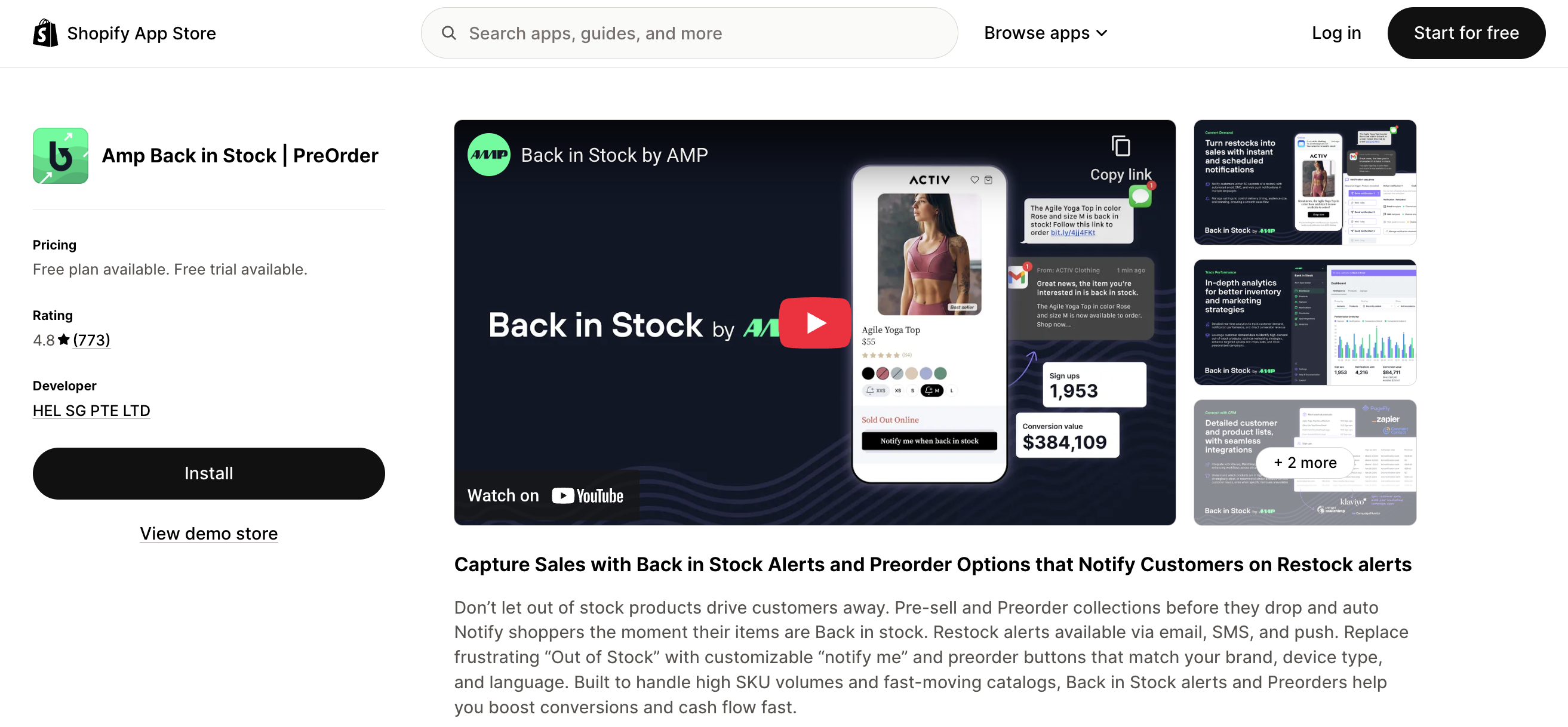
AMP is primarily a back-in-stock notification app that also supports basic backorder functionality. If you need straightforward email and SMS alerts when products restock, AMP handles that well. Backorder support — letting customers place orders during a stockout rather than just sign up — is available but with limited features.
Key features:
- Email and SMS restock alerts
- Customizable notification design
- Basic analytics dashboard
- Integration with popular email platforms
Pricing: Free plan available to test the app. Paid plans begin at $19/month.
Rating: Well-reviewed for simplicity and ease of use.
3. Notify Me
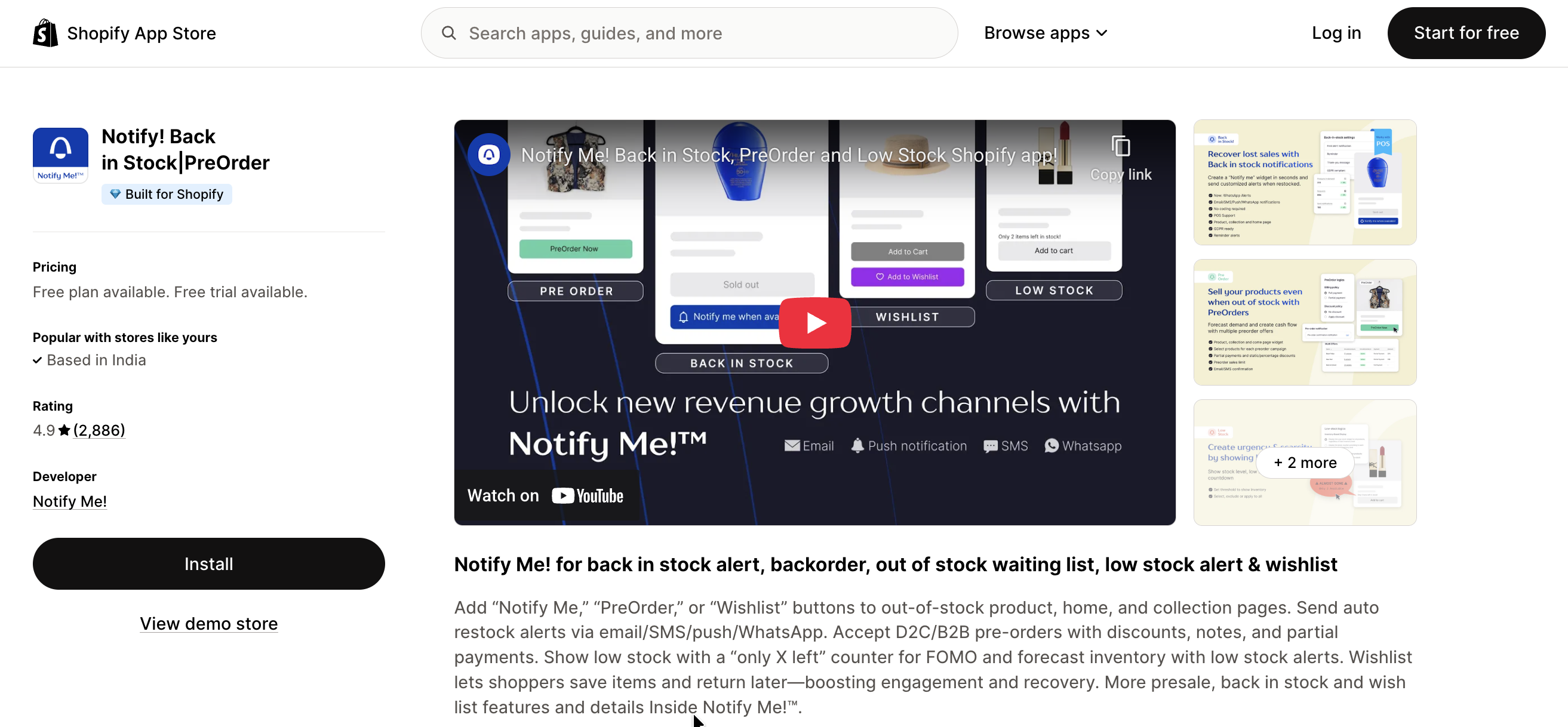
Notify Me specializes in back-in-stock notifications with a focus on customer engagement. The app provides automated alerts when products return to inventory.
Key features:
- Automated back-in-stock alerts
- Customer waitlist management
- Email customization options
- Basic reporting tools
Pricing: Tiered pricing based on monthly notification volume.
Rating: Merchants appreciate the quick setup and reliable notifications.
4. Essent
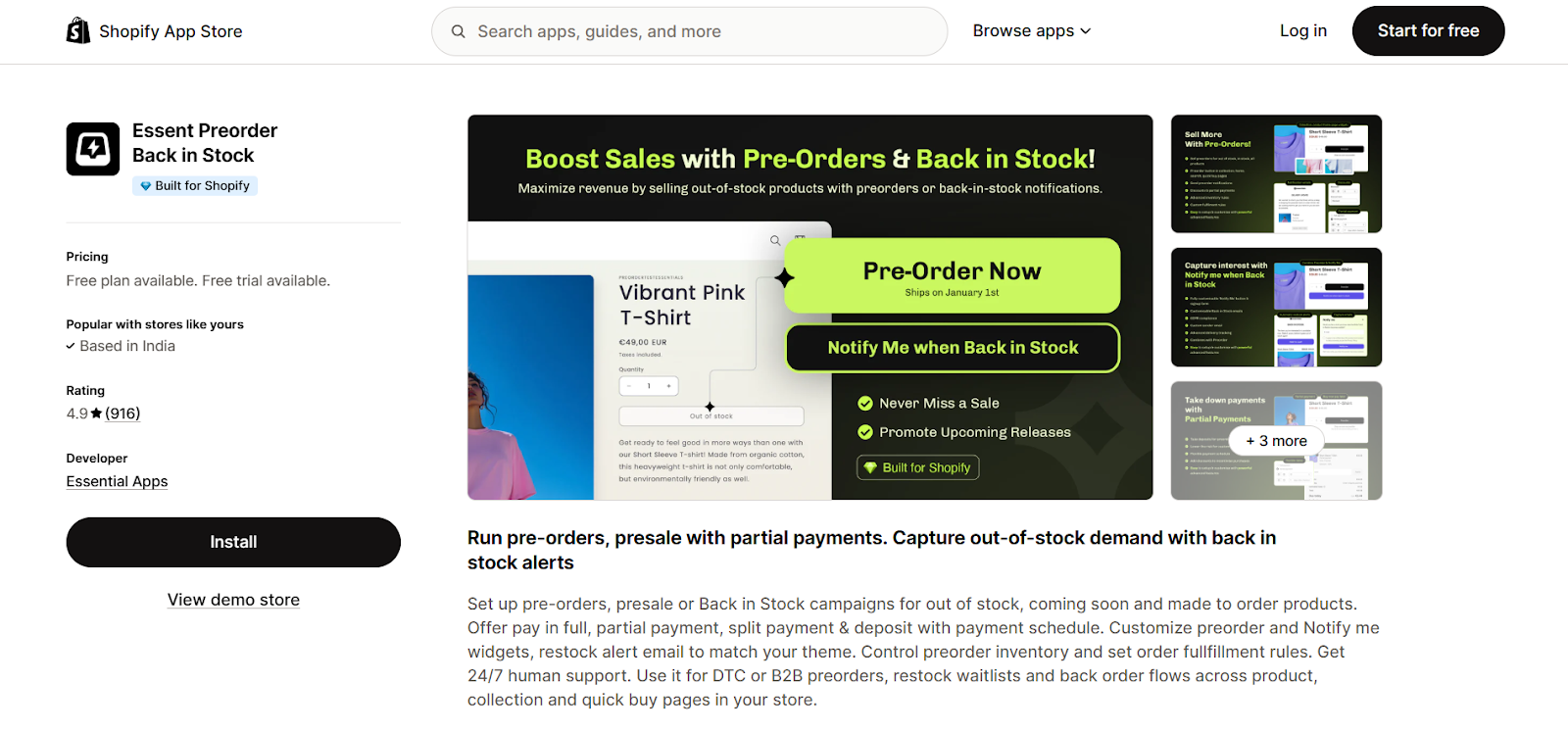
Essent is a Shopify backorder app with theme customization options for merchants. The app handles email notifications with stylish widgets. Apart from backorders, it also has other robust features like preorders, and partial payments.
Key features:
- Back-in-stock alerts
- Customizable notification buttons
- Partial payments and Notify Me buttons
- Built for B2B and DTC brands
Pricing: It has a free tier with paid tiers starting from $9/month.
Rating: 4.9 stars on the Shopify app store with 900+ reviews.
5. Swym
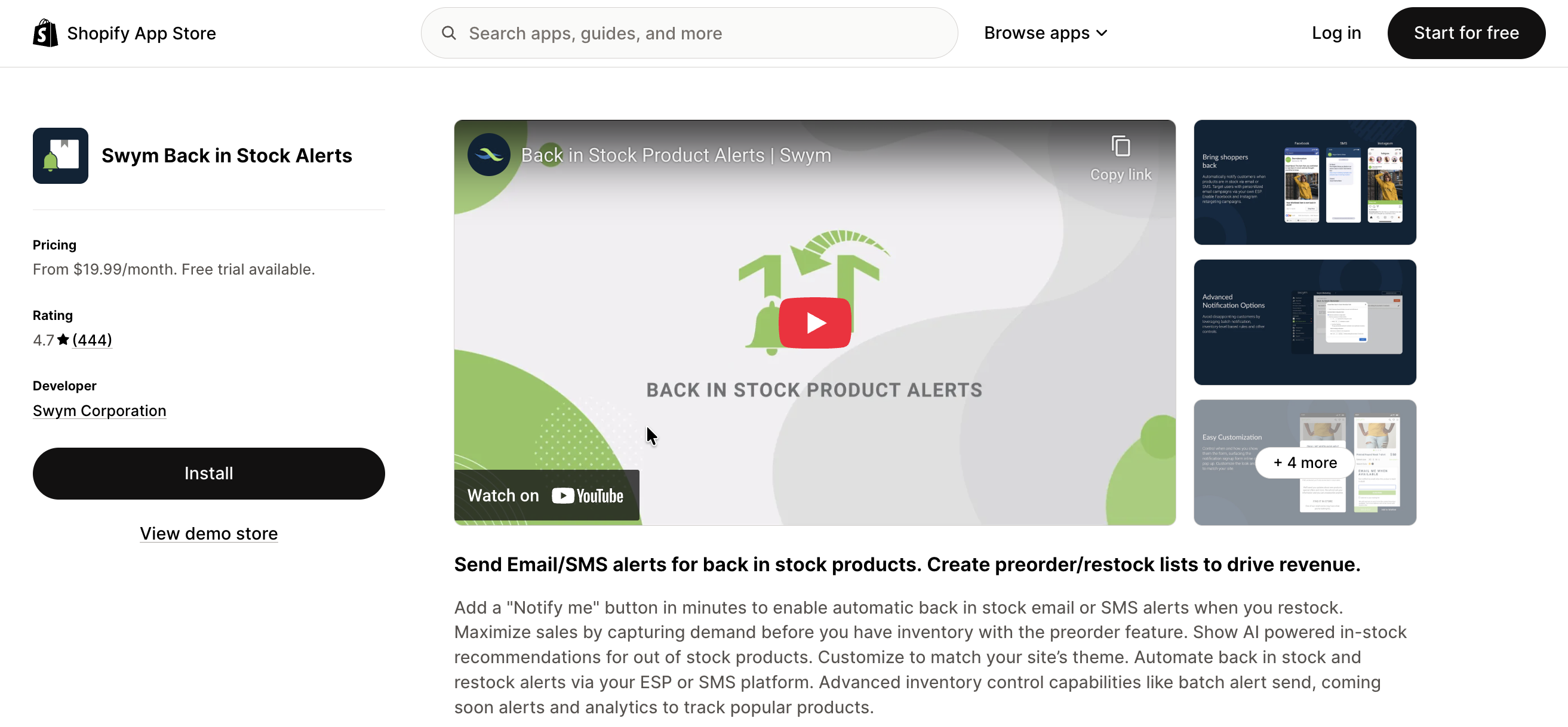
Swym handles back-in-stock notifications with quick setup. There are integration options for merchants who use multiple marketing platforms. Merchants can get alerts running in minutes with automatic theme integration. The app also includes AI-powered product recommendations for out of stock items.
Key features
- Back-in-stock alerts via email and SMS
- Quick 5-minute setup
- Integrations with Klaviyo, Mailchimp etc
- Facebook/Instagram retargeting for waitlist audiences
- Basic analytics to track popular products
- Many reviews mention reliable human support too
Pricing: No free plan. Paid plans start at $19.99/month with a 30-day free trial available.
Rating: 4.7 stars from 444 reviews. Merchants highlight the fast setup and marketing integrations.
Choosing the right backorder app for your business
The best backorder app is one that fits your current needs and continues to perform as your store grows. Making the right choice early saves time, money, and operational headaches later.
1. Match the app to your sales volume
If you're handling regular orders, you need more than a sold-out page with no action for customers. Choose an app that supports multiple variants, different restock timelines, and bulk actions. The right app should handle growth without forcing you to migrate later when volume increases.
2. Consider total cost, not just monthly fees
Free plans work for testing, but check what happens as volume grows. Some apps add transaction fees or limit critical features on free tiers. Transparent pricing that scales predictably is usually easier to budget for than surprise costs later.
3. Check how it handles inventory switching
If you already use platforms like Klaviyo, your backorder app should integrate seamlessly to keep messaging consistent. Apps with both email and SMS let you reach customers the way they prefer to be contacted.
4. Align with your communication strategy
If you already use Klaviyo or another email platform, check whether the app integrates for backorder order communications — not just restock notifications. The emails that matter here are confirmations with delivery dates, dispatch updates, and fulfillment notices. An app that only integrates for "notify me" signups won't cover the order communication side.
4. Prioritize preorder functionality
For new launches or long supplier lead times, preorder support is essential. Look for features like partial payments, clear delivery timelines, and safeguards against overselling when inventory arrives.
5. Review real merchant feedback
Go beyond star ratings. Check for reviews that mention scalability, reliability during high-traffic events, and responsive support 24/7. These insights often reveal whether the app delivers real ROI over time.
The best choice isn't the app with the longest feature list. It's the one that handles stockouts reliably without adding stress when sales are already at risk.
Why merchants choose STOQ for backorders
When a product goes out of stock, the decision feels urgent. You need an app you can trust when sales are at risk and customers are waiting.
STOQ is built for that moment. When inventory hits zero, it automatically switches the product to backorder mode, shows customers an expected delivery date, and takes their order — without you touching anything. When stock arrives, it switches back. Merchants install it once and keep using it for years because it handles the hard parts automatically.
It sets up quickly, works predictably and comes with responsive human support whenever you need it. You can try STOQ's free plan today, or check out plans from $10/month for your growing store.

Ram leads SEO at Artos Software, optimizing discoverability for STOQ and our portfolio of Shopify apps across Google, AI search, and LLMs.