How to tell a customer an item is out of stock (+ email templates)
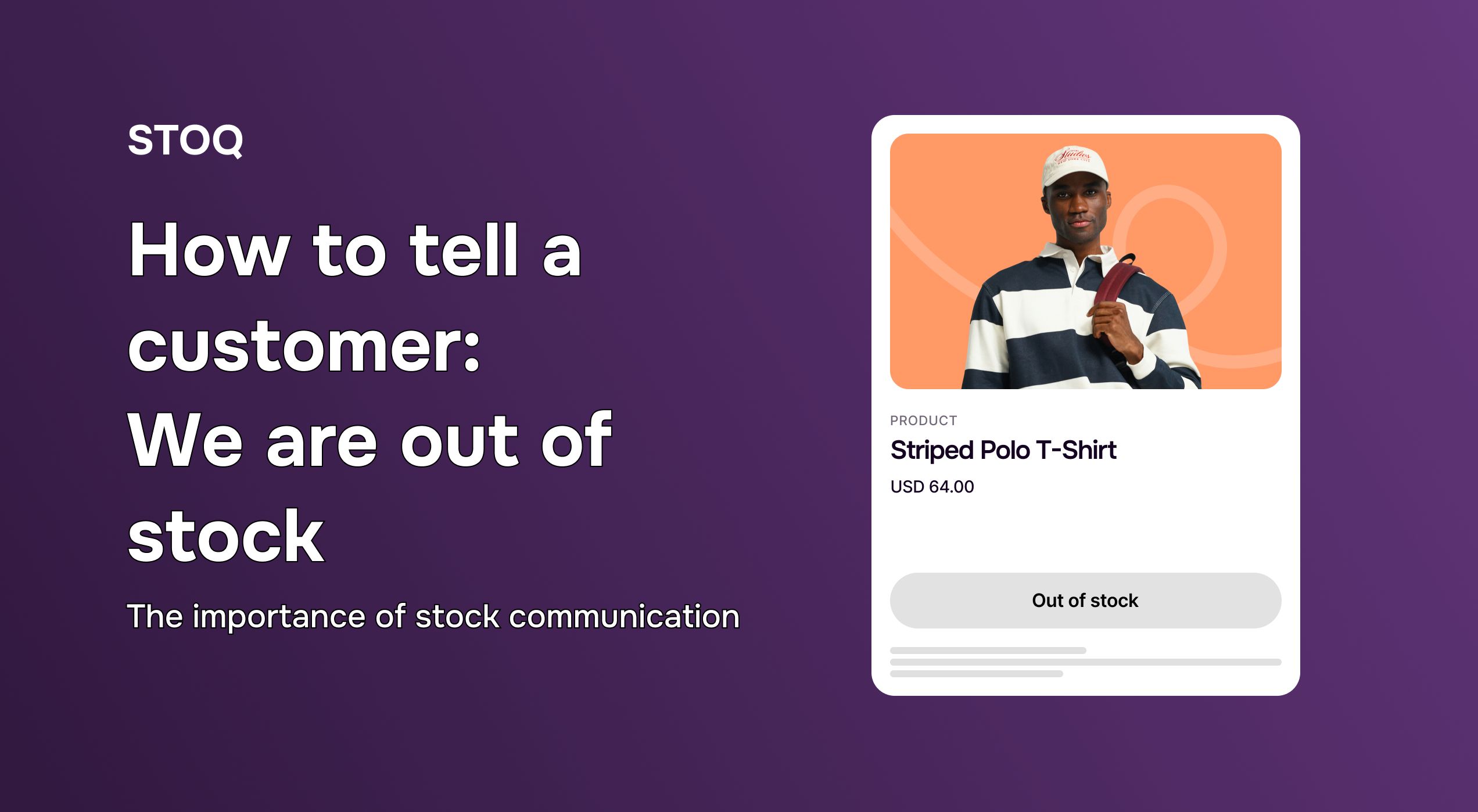
Going out of stock is inevitable for growing Shopify stores. However, you don’t have to lose customers because of it.
How you tell a customer you are out of stock often matters more than the stock issue itself. See, poor communication leads to frustration, abandoned carts, and customers who may actually never return!
Clear, proactive communication, on the other hand, can strengthen trust and even recover sales you would have otherwise lost.
In this guide, we'll dive into why your out-of-stock messaging matters, share copy-paste email templates for every out of stock scenario, and walk through the immediate steps Shopify store owners should take. We'll also cover how automatic back-in-stock alerts help you keep the conversation going once inventory returns.
Why proactive out of stock communication is crucial for your Shopify store
In ecommerce, silence is expensive. According to the Optimal Shelf Availability report by ECR Europe, roughly 37% of consumers will switch brands if they encounter an out-of-stock item without clear communication.
Here is why you need to be proactive:
1. Boosts customer trust
Customers are generally understanding when an item is out of stock, as long as you're transparent about it.
Clearly marking items as “unavailable” shows that you value their experience. Transparency like that builds long-term loyalty, whereas being vague about stock issues only makes people lose trust.
2. Prevents lost sales (and frustration)
Nothing frustrates a shopper more than reaching checkout only to discover an item is unavailable. This often results in cart abandonment and worse, the customer may leave your store entirely.
Communicating stock status allows customers to choose alternatives, join a waitlist, or plan a future purchase instead of bouncing.
3. Protects your brand reputation
Negative experiences spread quickly through reviews, social media, and word of mouth. A single “I tried to buy it but it wasn’t available” review can hurt conversions.
Clear out of stock messaging helps manage expectations and protects your brand image from avoidable backlash.
4. Informs your business decisions
Tracking out of stock behavior reveals demand patterns. If many customers try to access unavailable products, that’s a clear signal for restocking priorities or product expansion.
See, out of stock communication isn’t just customer-facing, it’s also a valuable data source for smarter inventory planning.
Also Read: Mastering back-in-stock emails and notifications in Shopify
Shopify out of stock products: What merchants should do
Before you can communicate with your audience, your Shopify store must show how much stock you currently have.
Here is how to ensure your Shopify store is accurate:
1. Manually update inventory levels
If you find a discrepancy, go to Admin > Products and select the item and manually set the inventory to zero.
When you do this, it immediately triggers the "Sold Out" state on most themes, preventing overselling.
2. Utilize Shopify's built-in inventory tracking
Make sure the "Track quantity" box is checked for every SKU.
For most merchants, you should uncheck "Continue selling when out of stock" unless you have a reliable app like STOQ for preorder management.
3. Customize your theme for display
Most Shopify themes allow you to change the "Sold Out" text.
Consider changing it to something more active, like "Back Soon" or "Restocking," to signal that the product isn't gone forever.
4. Leverage Shopify apps for advanced management
Native Shopify features are a start, but they don't offer built in preorder features.
This is where STOQ excels. Instead of just "marking" an item as out of stock, STOQ allows you to replace that dead-end button with a pre order button. STOQ helps you turn the "zero" inventory problem into a sales opportunity.
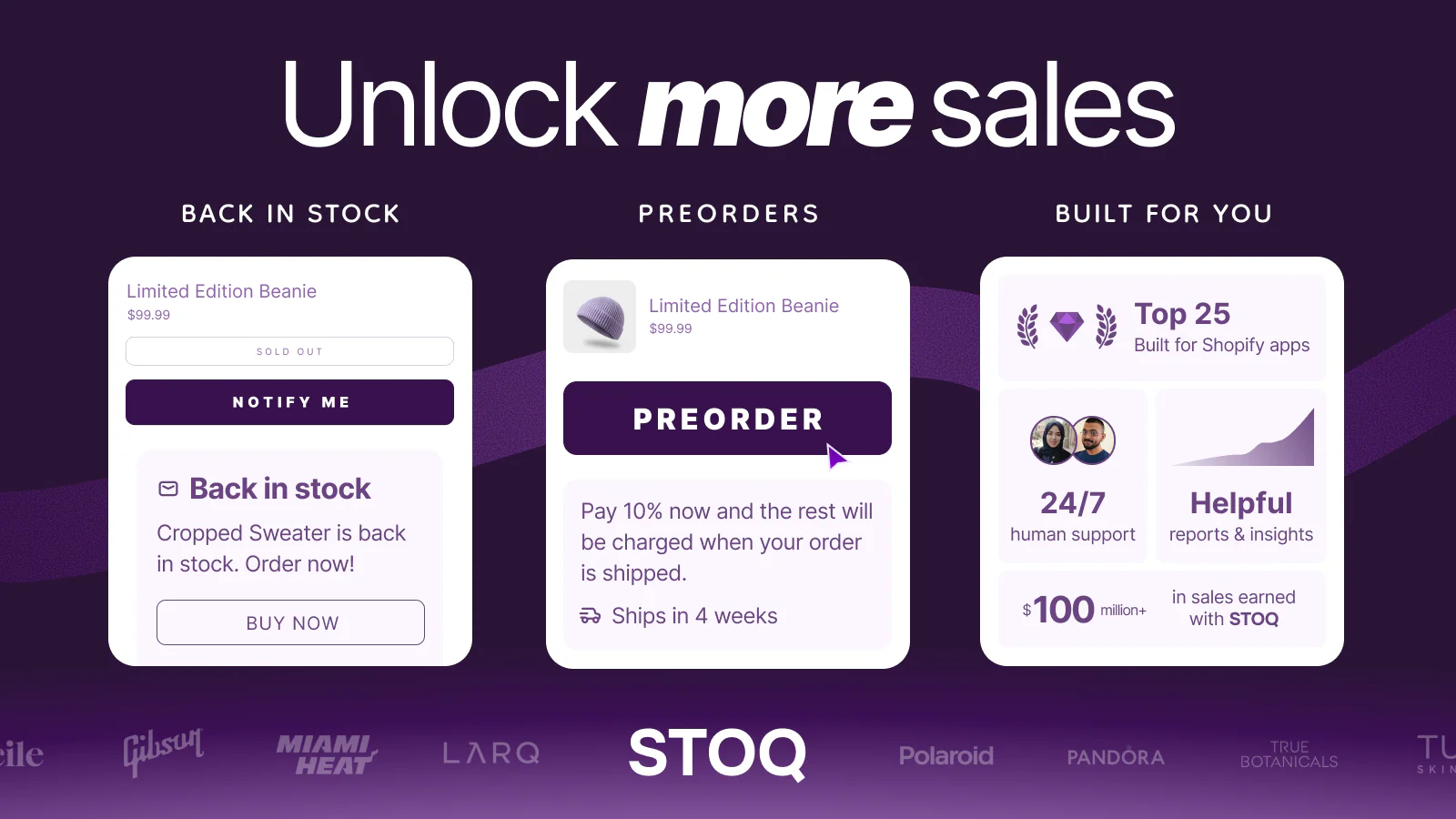
Check our Shopify back in stock automation guide if you need help setting up.
Proactive communication strategies to tell your customers you are out of stock
Knowing how to tell a customer we are out of stock is about where and how you deliver the news.
Here’s how to tell your shopify store customers you’re out of stock:
1. Be swift and transparent on product pages
Don't wait for the checkout page to tell a customer an item is gone. Use clear, high-contrast messaging on the product page.
If you know the restock date, state it: "Coming back February 15th."
2. Implement "Notify me when back in stock" alerts
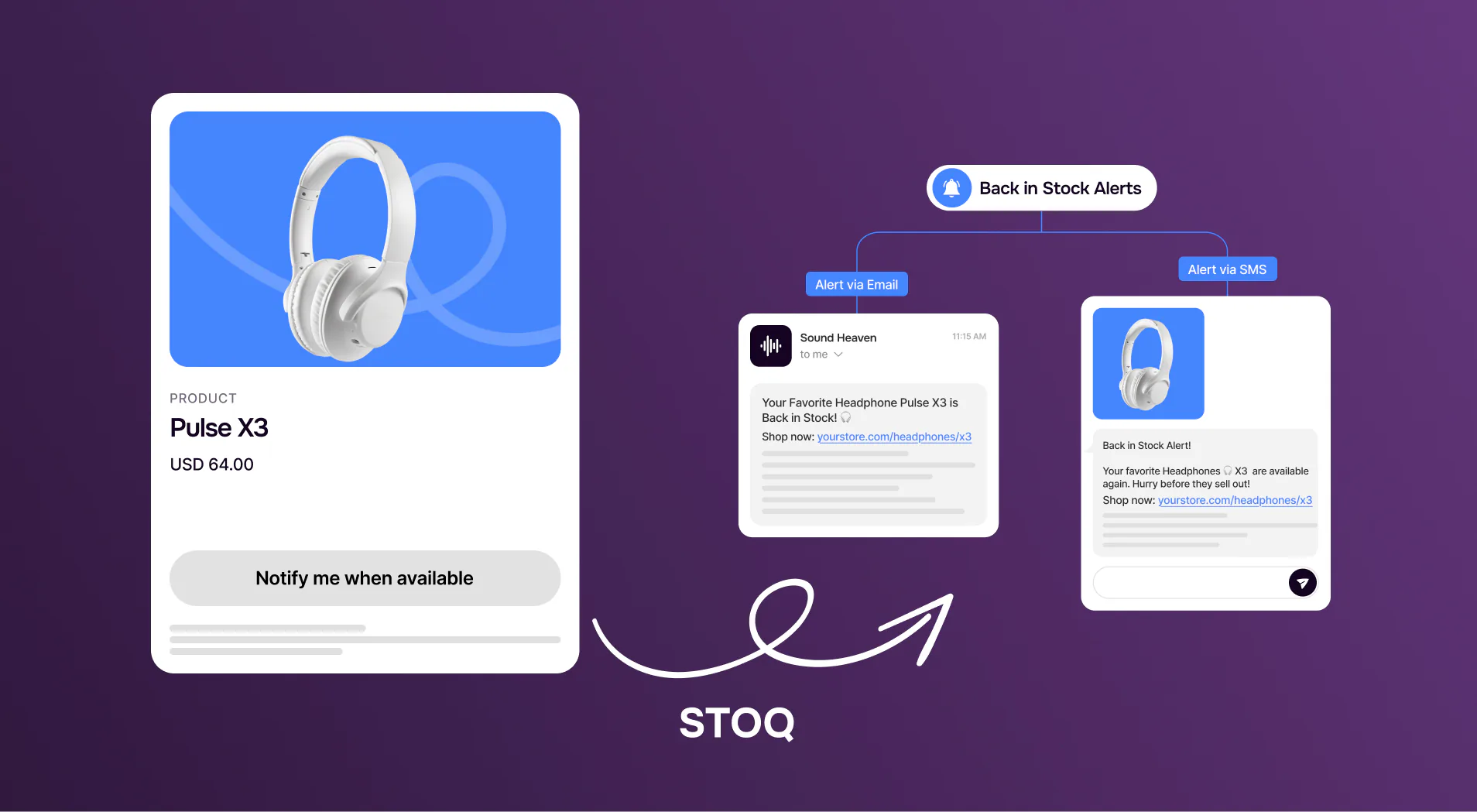
Now, this is the single most effective way to recover lost revenue. By allowing customers to leave their email or phone number, you can turn a bounce into a lead.
The easiest way to implement this is by integrating a Shopify back in stock app like STOQ within your Shopify store.
3. Leverage email marketing for updates
If a bestseller goes out of stock, send a dedicated campaign to your segment of "high-interest" buyers.
Acknowledge the sell-out, apologize for the wait, and provide a "Notify Me" link. As a result, it will build community and excitement for the restock.
Here’s a few example templates you can use:
Scenario A: It’s coming back soon (Backorder)
Use this when you have a definitive date for new inventory.
"We are so sorry, but the [Product Name] is currently out of stock due to high demand. The good news is that our next shipment is arriving on [Date]. Would you like to set one aside for you, or send you an email the moment it hits the shelves?"
Scenario B: It’s gone for good (Discontinued)
Focus on finding a replacement that meets their needs.
"It looks like we’ve actually retired the [Product Name]. However, many of our customers who liked that model have been really happy with the [New Product Name]. It has a very similar [Feature], but with an upgraded [Feature]. Would you like to take a look at that one?"
Scenario C: Online order cancellation
If a customer ordered something that you realized later is out of stock, be proactive and apologetic.
"Thank you for your recent order! I’m writing to let you know that we ran out of [Product Name] just before your order was processed. I have already issued a full refund to your original payment method. As a thank you for your patience, here is a [10% discount code] for your next visit."
Scenario D: No restock date confirmed yet
Use this when the product is out of stock and you genuinely don't know when (or if) it's coming back.
"We wanted to let you know that [Product Name] is temporarily out of stock. We're working to replenish it as quickly as possible, but we don't have a confirmed restock date yet — and we'd rather be honest with you than give you a date we can't guarantee."
Scenario E: The product is back (restock follow-up)
Use this when the product is out of stock and you genuinely don't know when (or if) it's coming back.
"The wait is over. [Product Name] is back in stock and ready to ship. You were on our waitlist, so you're getting first access — but stock is limited and we expect it to move quickly based on previous demand."
4. Consider enabling preorders
If you have a confirmed shipment arriving soon, don't just wait.
Enable pre-orders to fund your inventory purchase and lock in the sale. As a result, you’ll be able to maintain cash flow during production cycles.
5. Train your customer service team
If a customer reaches out via chat or email, your team shouldn't just say "we're out."
They should say: "We are currently out of stock, but I can add you to our priority notification list, or suggest [Alternative Product] which is available now."
Also Read: How preorder apps turn out of stock products into sales on Shopify
What to say when customers ask when the product will be back
When will this be back in stock?" is one of the most common customer service questions during a stockout. Here are three ready-to-use responses depending on what you know:
- When you have a confirmed restock date: "We expect [Product Name] to be back in stock around [Date]. I've added you to our priority notification list — you'll get an email the moment it lands. Would you also like me to set one aside for you?"
- When you don't have a confirmed date yet: "We're currently working to replenish [Product Name], but we don't have a confirmed date yet. Rather than give you a date that might change, I'd rather be upfront. The best thing I can do is add you to our notification list so you're first to know the moment it's back — would that work?"
- When there's a supply delay: "There's been a delay in our supply chain that's pushed back the restock of [Product Name]. Our best estimate right now is [timeframe], but I want to be honest that this could shift. I've added you to our priority list and you'll hear from us the instant it's confirmed."
These scripts work across live chat, email, and phone. The key is to be specific about what you *do* know, honest about what you don't, and always offer the waitlist as the next step.
Beyond the basics: Advanced tips
Once you have the foundation set, use these professional tips to stay ahead of the curve.
1. Automate internal stock alerts
Don't let your customers be the first to know you're out of stock. Set up internal low-stock alerts so you can trigger pre-order campaigns before the count hits zero.
2. Analyze out of stock data
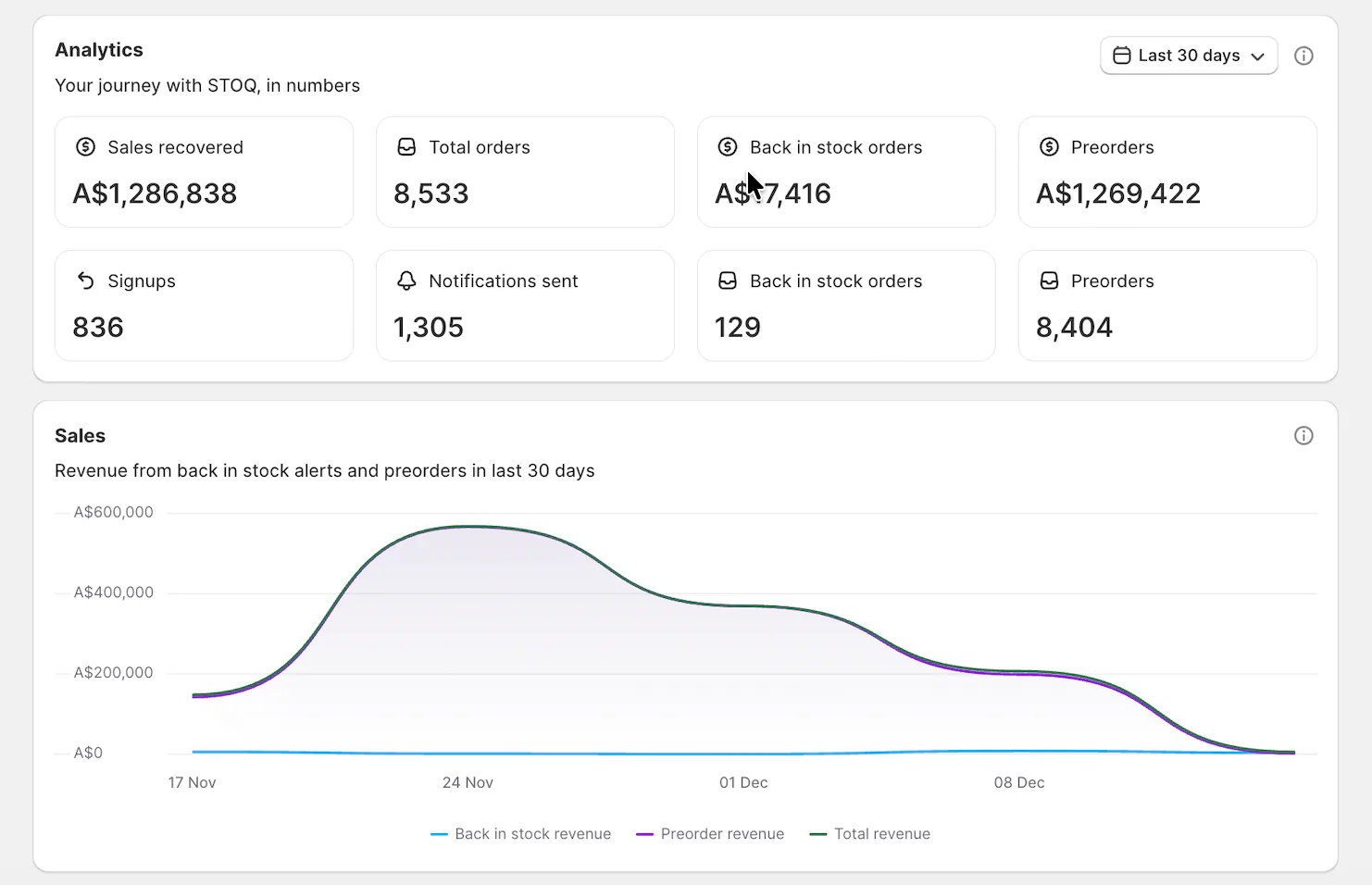
Here you can use STOQ’s analytics feature. You can use the data from analytics to keep an eye on preorder and restock demand, spot patterns in your stockouts, and get much better at planning your future inventory.
3. Communicate Supply Chain Realities (Carefully)
In the modern shipping world, delays happen. It is okay to be human. A simple message saying, "Our shipment is currently at the port and we expect to ship orders by next Friday," builds far more loyalty than a vague "coming soon."
Conclusion
Telling a customer you are out of stock doesn't have to be a negative experience. By being proactive, transparent, and using the right tools, you can turn an inventory gap into a revenue stream.
Don't let another customer leave your store empty-handed. Implement the tips we provided to capture your missed sales.
Ready to turn your out of stock items into sales?

Rajat is CMO at Artos Software, leading growth for STOQ and our portfolio of Shopify apps through SEO, content, partnerships, and AI-driven marketing.