Do your back in stock alerts work across different Shopify Markets?
As a Shopify merchant with customers in multiple locations, you rely on Shopify Markets to customize things like shipping locations, currency, and language for different countries. Shouldn’t your back in stock notifications work based on specific markets as well?
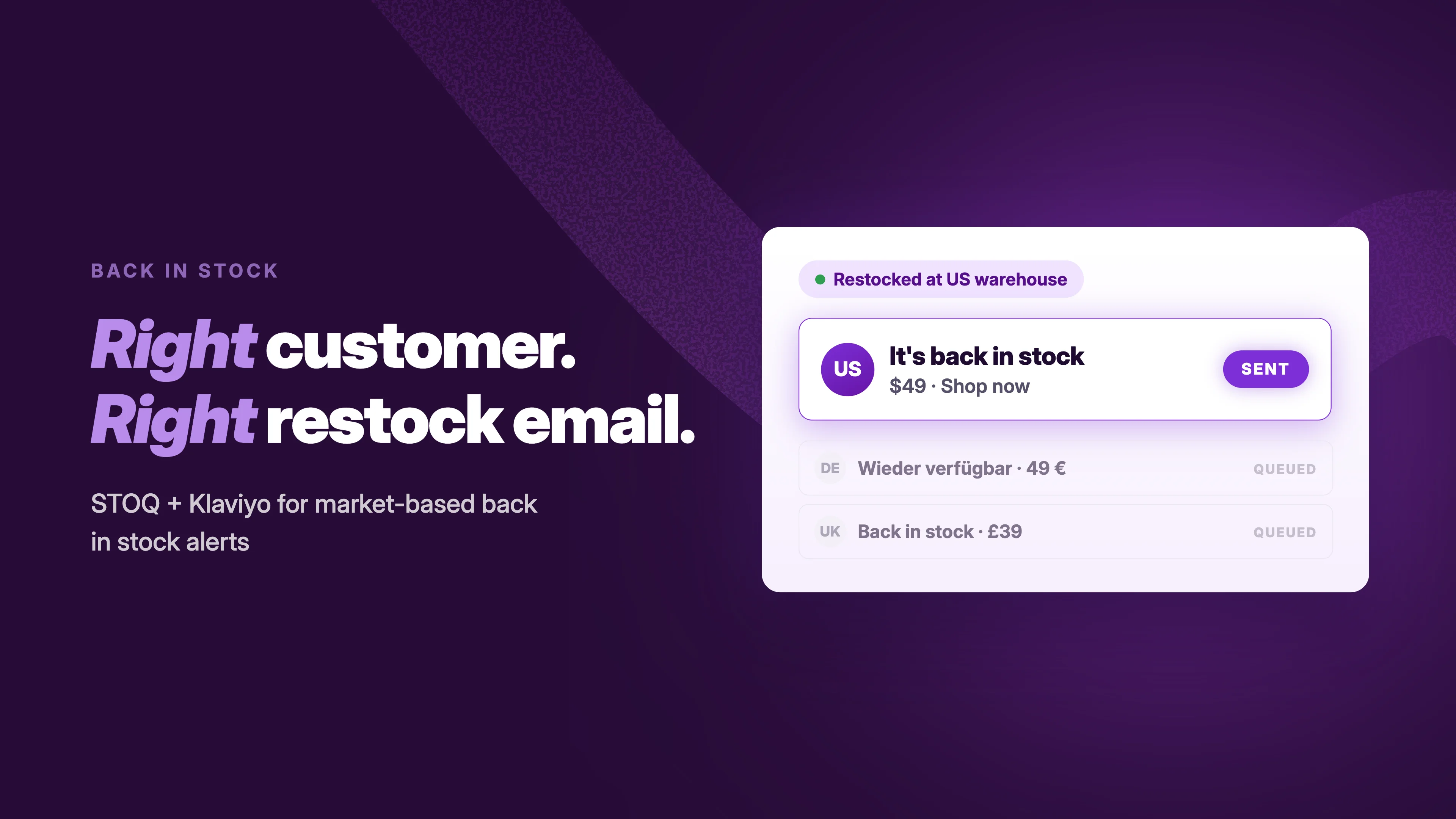
STOQ offers a straightforward solution to back-in-stock alerts for stores using Shopify Markets to sell across continents.
The gap most restock alert apps miss
Most back-in-stock apps watch for one thing: inventory going up. The moment any location is restocked, they send notifications to everyone on the waitlist (with no market-based filtering).
That works just fine for merchants selling in a single country. But if you run a store across multiple Shopify markets, each served by a different fulfilment location, that behaviour creates two specific problems:
Problem 1: Customers get alerts for stock they can’t actually buy
Let’s say you’ve got two markets: USA and Canada. Each has its own inventory. . A customer in Canada wants to buy an out-of-stock product, so they sign up for back-in-stock alerts. A day or two later, USA gets restocked.
Unfortunately, most restock apps don’t understand that USA and Canada are totally different markets – all they see is “inventory go brrr”. So the Canadian customer gets an alert, clicks the email, and arrives on your store, only to find the product still showing as sold out for their region. Because their market was never restocked and the notification was inaccurate.
Problem 2: Those same customers get removed from your restock waitlist
Problem #1 is annoying and creates a bad customer experience, but it doesn’t necessarily mean losing the sale. Problem #2 is arguably a bigger issue: once a back-in-stock notification goes out, most apps remove the customer from the waitlist. So when Canada is actually restocked later, our Canadian customer is no longer in the queue – so they’ve got no idea the restock even happened. Which means they’re not prompted to come back and buy.
This is the core problem behind Shopify multi-market inventory alerts that aren’t properly configured.
How does STOQ handle back-in-stock alerts for stores using Shopify Markets?
STOQ is built to respect your Shopify Market and location setup, not work around it. Here’s how:
The ‘Notify Me’ button already obeys your market rules
Sticking with our earlier example, if a product is in stock in the USA but sold out in Canada, customers in the USA will see a product page with an “Add to cart” button…
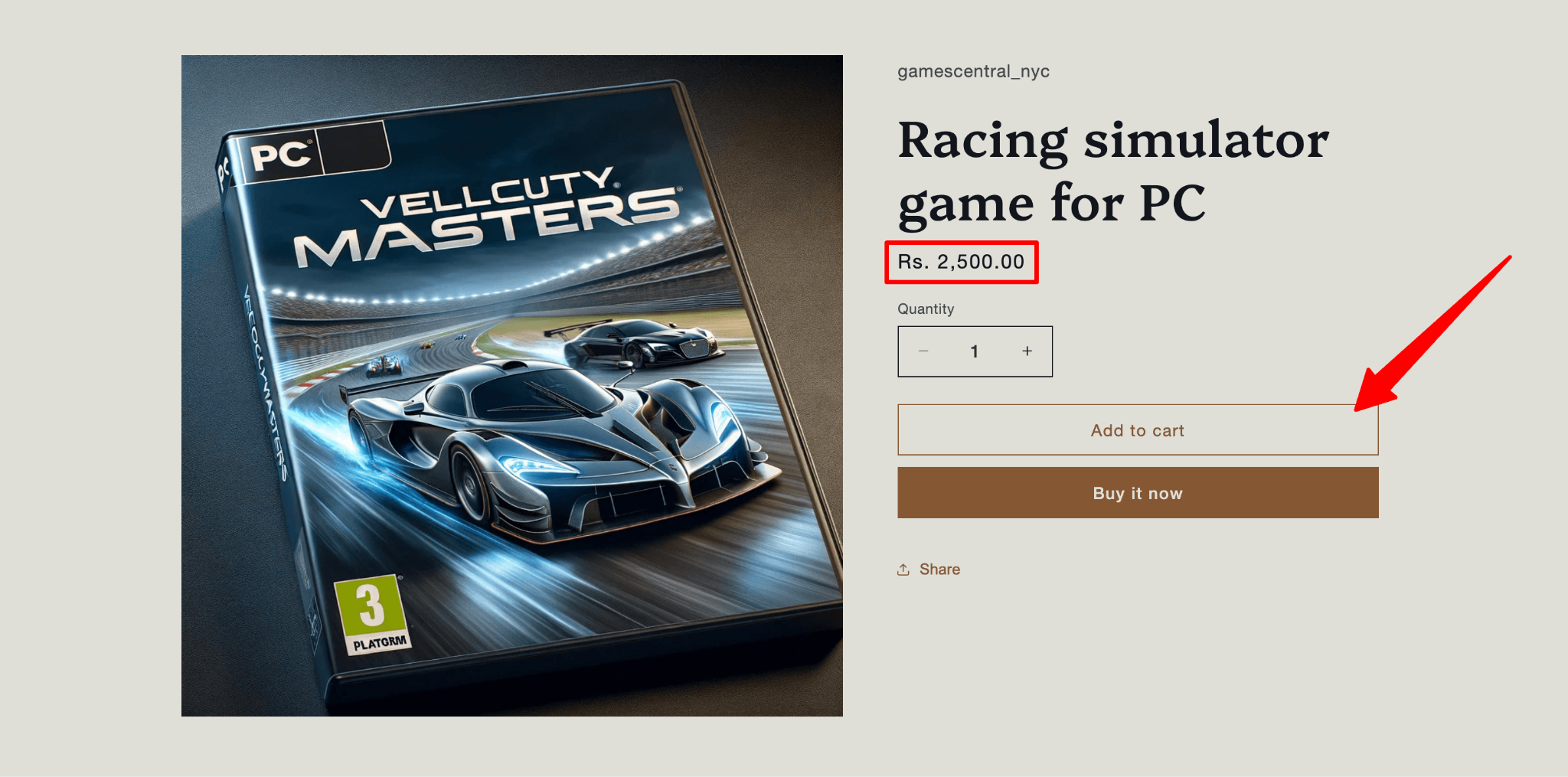
…while customers in Canada will see the same product page but with “Sold out” badges, and the “Add to cart” button swapped for “Notify me when available”:

No extra configuration is needed for this because STOQ reads your market and location setup from Shopify directly.
Sign-ups are captured and tagged by market
When a customer joins the waitlist, STOQ records which market they were shopping from. You can see this in STOQ’s Reports section within your Shopify admin. Each sign-up entry shows the market alongside the customer's details:
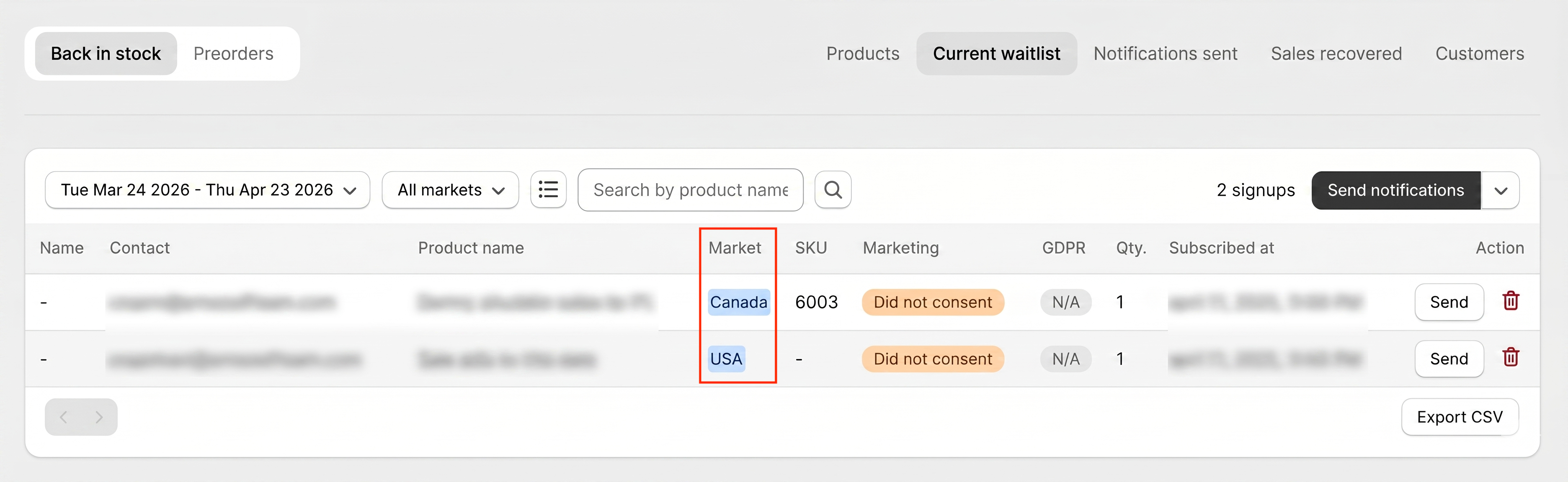
This is what makes market-based back-in-stock alerts possible at scale. The market data is already there; it doesn’t need to be figured out at the time of sending.
Alerts only go to the market that was restocked
When you add new inventory for an out-of-stock product at a location linked to the USA, only USA market customers on the waitlist get notified (and subsequently removed from the queue). Meanwhile, Canadian customers stay on the waitlist and receive their alert when stock in Canada is replenished. Everything runs on autopilot.
Now, if you’ve got STOQ installed already, here’s how to ensure the right alert delivery:
- Open STOQ from your Shopify admin and go to Back in Stock Alerts in the left menu.
- Go to Notifications > Delivery Settings. This is where location-based and market-based alert rules live.
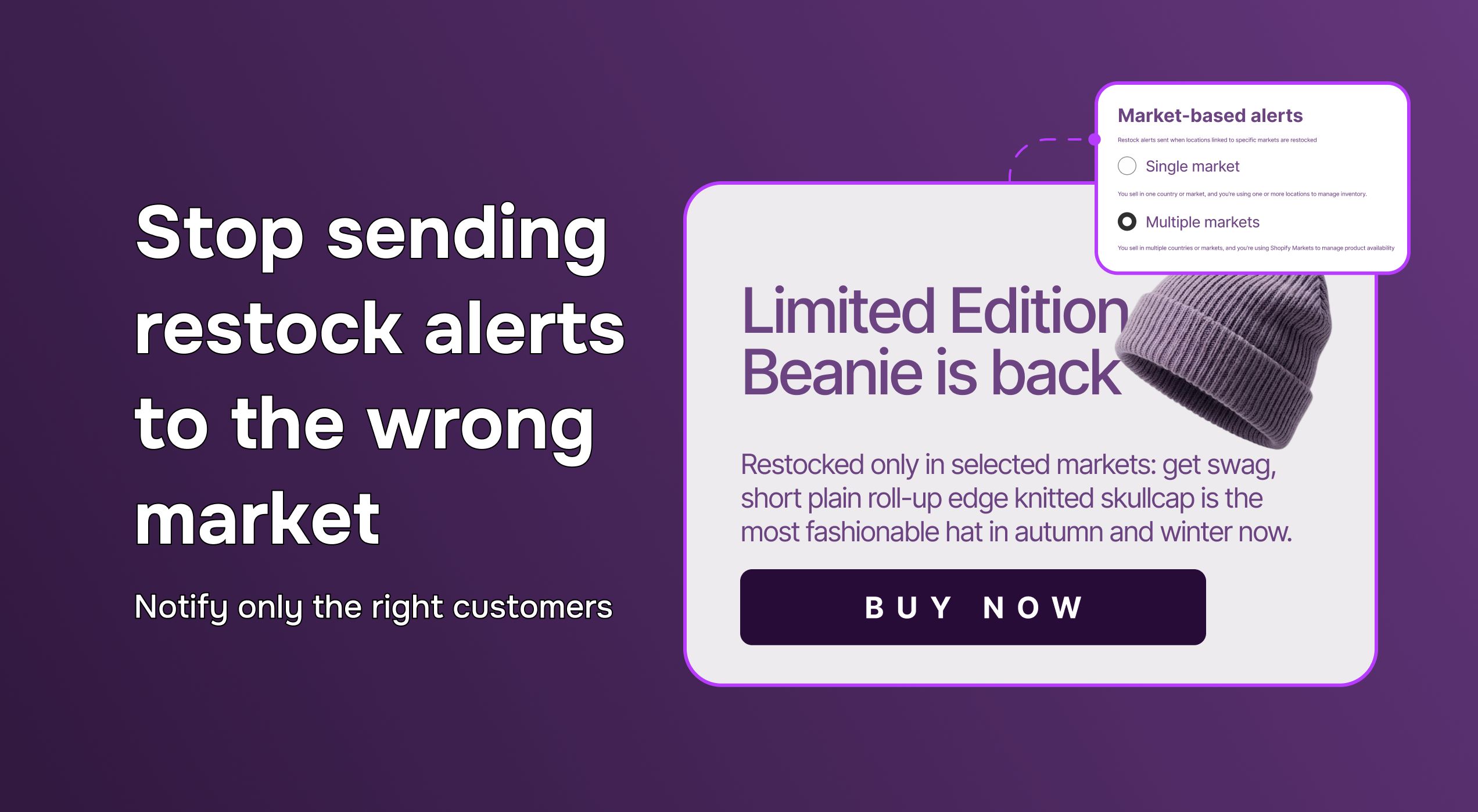
- Enable Market-Based Alerts. STOQ will scan your Shopify setup. If you have multiple markets configured, a banner will prompt you to map locations to markets inside STOQ.
- Replicate your Shopify market-to-location mapping. For example, if the 'Shop Location' fulfils USA and the 'Custom Location' fulfils the UK in Shopify, you set that same mapping in STOQ.
- Save. From this point on, every restock alert respects the market. Customers hear from you only when their market's inventory is replenished.
Once it’s all live, check the Reports section in your Shopify admin to confirm sign-ups are being captured with market data. The market column in the reports tells you everything you need to know about where waitlist demand is coming from.
Don’t wait. Try STOQ for free on the Shopify App Store today!

Anaam heads Merchant Success at Artos Software, working with Shopify merchants to help them unlock the full potential of STOQ and our other apps.