Should preorders be held or scheduled? It depends on who ships them
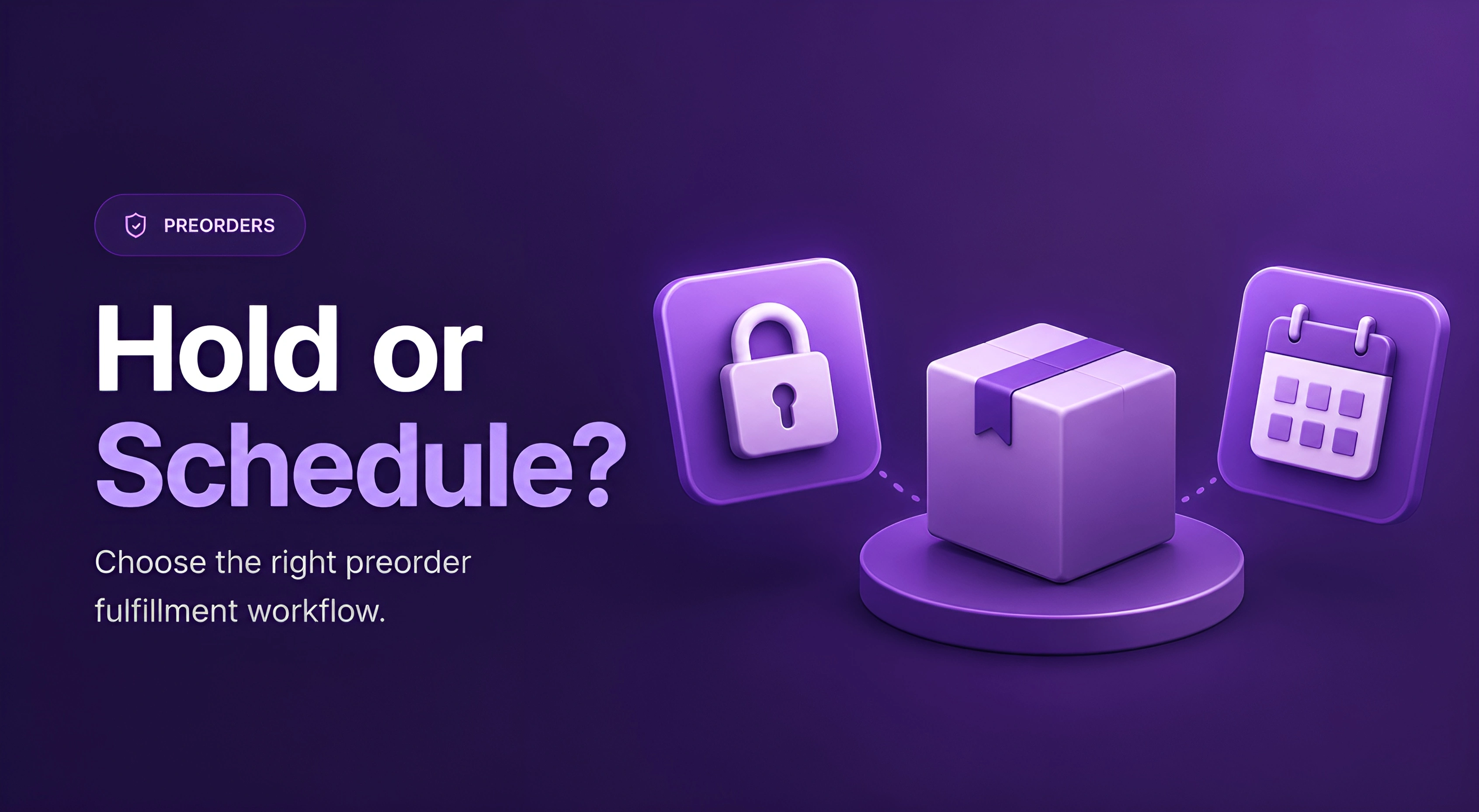
A preorder is a paid order that must not ship. That second part is where things go wrong.
There are three ways to say "not yet" on a Shopify order: leave it Unfulfilled, put it On Hold, or mark it Scheduled. Most merchants pick whichever sounds right in the settings and move on. Then the failure shows up physically — a placeholder ships from the warehouse, a 20%-paid deposit order goes out the door, or ready-to-ship items sit blocked behind items that don't exist yet.
Here's the position: the right status is decided by who fulfills your orders, not by the settings screen. Self-fulfilled stores have an easy choice. Stores using a 3PL or a shipping app have a harder one, because those systems read order statuses in ways the settings screen never mentions.
What Unfulfilled, On Hold, and Scheduled actually do
Before the decision, the mechanics. Three statuses, three behaviors:
Quick note: a hold can be applied to any order at any time, but a schedule can't be added to an order after it's placed. Scheduled originates from the offer's fulfillment date at the moment the order is created — an order that came in unscheduled can't be converted later, and its only status lever afterward is Hold. An order that's already Scheduled is a different story: its date can be moved whenever the timeline changes, individually or in bulk. Worth knowing before launch day.
How to choose: four questions, in order
There's no universal right answer here, but there is a right order to ask the questions in:
1. Who fulfills your orders?
If you pick, pack, and ship from Shopify admin yourself, both Hold and Scheduled behave exactly as advertised. Carry on to question 2.
If a 3PL or shipping app fulfills for you, this question decides everything else. Answer the remaining three questions, then verify your choice in the 3PL section below before you commit. Neither Shopify nor any app will ask you this question during setup. You have to bring the answer yourself, and skipping it is how preorders end up shipping before they should.
2. Do you know the ship date?
A confirmed date weeks out → Scheduled. It releases itself on the date; nobody has to remember anything. A soft, supplier-dependent date → Hold. A schedule built on a guess doesn't remove the surprise, it just books a calendar slot for it.
In STOQ: set the delivery date on the offer's shipping settings — orders come in Scheduled for that date.
3. Is money still outstanding?
Deposit and partial-payment preorders → Hold, until the balance is collected. The hold is the thing standing between your warehouse and shipping an item that's 20% paid. Release per order, or in bulk as balances come in.
In STOQ: choose Hold all fulfillment on the offer.
4. Does the cart mix preorder and in-stock items?
Then neither status alone solves it. A hold on the whole order blocks the in-stock items too — split the order so ready items ship now and the preorder half carries its own status.
In STOQ: turn on Split fulfillments for preorders.
The short version:
know the date → Scheduled. Don't → Hold. Money outstanding → Hold regardless. 3PL or shipping app in the stack → verify against the next section before you commit.
And if you go looking for a "set status to Scheduled" button in STOQ, you won't find one — you configure the offer's shipping settings, and the app translates them into the right Shopify status behind the scenes. One thing to know: Scheduled and deposits both require running the offer as a Shopify selling plan — that's STOQ's default, but if you've switched an offer to the properties-based mode, Hold and Unfulfilled are your only levers.
If a 3PL or shipping app ships your orders, verify here before you commit
This is the part the settings screen doesn't tell you, and it's where support conversations about "why did this ship?" almost always end up.
1. The general rule: only Unfulfilled syncs
Most fulfillment systems import orders by status, and the typical configuration is that only Unfulfilled orders flow to the warehouse as ready-to-ship. What happens to the rest varies by system: some exclude On Hold and Scheduled orders entirely, while others import them but quarantine them.
In setups we've seen, ShipStation imports Shopify's held orders into its own On Hold status with quantities zeroed out until the status changes, and Scheduled orders don't appear at all. Either way the practical effect is what you want: the order stays out of the active pick queue.
That variation is the point. Before you commit to a status, ask your 3PL one question: "Which order statuses do you import, and what happens to them?" The answer determines whether Hold protects you or does nothing.
2. Sync timing: when the order imports before the hold applies
Holds from an app are applied in the seconds after checkout — the app acts on the order once Shopify reports it — and a fast-syncing shipping integration can import the order in that gap. We've seen this surface as items appearing in the warehouse queue briefly before the hold lands, and in rare cases getting picked.
Sync timing varies wildly by platform: some 3PL systems import near-instantly, while ShipStation's store sync often runs a couple of hours behind unless someone clicks manual import. If your system is on the instant end, ask about delaying the order sync by a few minutes. Or split preorder items into their own order, and the timing stops mattering.
3. Split fulfillments: when one order creates multiple labels
Holds apply per fulfillment order, and one customer order can contain several — a mixed or split order's items land in separate fulfillment orders, each holdable on its own. Some shipping apps then generate a label per fulfillment order: multiple labels, one shipment, confused warehouse. If your shipping app behaves this way, per-order thinking beats per-fulfillment-order holds — split the order cleanly instead of holding pieces of it.
4. The alternative that shipping-app-heavy stores should know
There's a pattern support recommends when a shipping app is central to the stack, and it's counterintuitive: leave preorder orders Unfulfilled, and keep them out of the pick queue with order tags plus an automation (Shopify Flow, or the 3PL's own rules engine). The status stays clean for the integration; the tag carries the meaning; the automation enforces it. The tradeoff: you lose Shopify's built-in blocking, and the protection is only as good as the automation you wrote. What you gain is predictable behavior from systems that were built around the Unfulfilled queue.
That's also the honest answer to the question merchants ask support in some form every week — "surely there's a standard 3PL process for preorders?" There isn't one, because the behavior is defined by your 3PL's configuration. The process is: choose the status from the four questions above, then run one test order through the entire chain and watch what your warehouse actually sees.
Three common setups, worked through
- The confirmed drop, self-fulfilled. Stock lands March 15 and you ship from your own admin. Schedule fulfillment for March 15. On the date, every order flips to Unfulfilled on its own and you fulfill as normal. Nothing to remember, nothing to release.
- The deposit campaign. 30% down, balance due when stock arrives. Hold every preorder at creation, then release as balances are collected — per order, or in bulk when the inventory lands and the payment run completes. Here the hold is a guardrail against shipping unpaid product; timing is secondary.
- The 3PL store with mixed carts. Orders split at checkout: the in-stock half syncs to the 3PL and ships same-day, the preorder half carries a hold (or a tag-based rule, per the section above) and syncs only on release. One test order through the full chain before the campaign opens — placed, split, correct half at the warehouse, correct half blocked.
What to check before you rely on either status
- Tag preorder orders no matter which status you pick. Filters, Flow triggers, packing slips, and 3PL rules all key off tags. The status says when; the tag says what.
- Scheduled isn't set-and-forget. If the restock date moves, reschedule the fulfillment date on the existing orders — individually or in bulk — because changing the offer doesn't touch orders already placed. And early fulfillment requires moving the date first.
- Released doesn't mean shipped. Releasing a hold drops orders into the Unfulfilled queue silently. Pair the release with your notification and fulfillment workflow, or orders sit there invisible to everyone who stopped watching.
- Test the chain, not the setting. One real test order: placed → status correct → check what the 3PL or shipping app actually sees → release or reach the date → one label, correct items.
- If it's already gone wrong — a preorder sitting Unfulfilled with no hold and no schedule — apply a manual hold now. It's the one lever that always works after the fact.
The bottom line
Hold and Scheduled answer two different questions: "is something blocking this order?" and "when does this order ship?" Which one fits your store is decided by your fulfillment stack, not by which toggle reads better. Self-fulfilled with a known date: schedule it. Unknown date or money outstanding: hold it. 3PL or shipping app in the loop: ask what they import, then test one order through the whole chain before you trust either.
Running preorders and want holds, scheduling, split orders, and deposits in one place? Install STOQ from the Shopify App Store
Already using STOQ? Here's the fulfillment holds and scheduled release to set yours up.
FAQs
What's the difference between On Hold and Scheduled in Shopify?
On Hold blocks fulfillment until you release it — no date attached. Scheduled defers fulfillment to a set date and flips to Unfulfilled automatically when it arrives. Both keep orders out of the Unfulfilled list in the meantime.
Do orders on hold sync to my 3PL or shipping app?
Usually not — most systems import only Unfulfilled orders — but configurations differ. Ask your 3PL which statuses they import and what happens to them, then confirm with a test order before your campaign opens.
Can I change a preorder to Scheduled after the order is placed?
No — a schedule can't be added to an order after it's placed, so a manual hold is the only status lever that works after the fact. Orders that came in Scheduled are different: their date can be rescheduled anytime, individually or in bulk.
When should preorders stay Unfulfilled instead?
When a shipping app or 3PL is central to your stack and behaves unpredictably with holds. Keep orders Unfulfilled, tag them, and use an automation (Shopify Flow or the 3PL's rules) to keep them out of the pick queue.
How do holds work when a cart mixes preorder and in-stock items?
A hold on the whole order blocks the in-stock items too. Split the order instead: ready items ship immediately, and the preorder half carries its own hold until release.
How do I release holds in bulk when inventory arrives?
Release from the app's preorder reports settings when stock lands — per order or in bulk. Then run your fulfillment workflow immediately; released orders enter the Unfulfilled queue without any notification.

Anaam heads Merchant Success at Artos Software, working with Shopify merchants to help them unlock the full potential of STOQ and our other apps.