Sold out should not be the end of your BFCM sale
Over Black Friday weekend 2025 (Nov 28 – Dec 1), Shopify stores using STOQ made $12.26M on products that had already sold out. Most of that, about $10.48M, came from preorders. The other $1.78M came from shoppers who bought after getting a back in stock alert. And when the weekend ended, 275,443 shoppers were still on “Notify me” waitlists, waiting to buy.
Black Friday falls on November 27 this year, so there’s still time to prepare for sellouts. That includes setting up preorders and back in stock alerts, testing them with your theme and other apps, and planning for December restocks so those waitlists turn into sales.
Here’s how to prepare with STOQ and our partner apps, along with the offers available to STOQ stores this BFCM.
What happens when a product sells out
When a variant goes out of stock, STOQ lets shoppers take one of two actions:
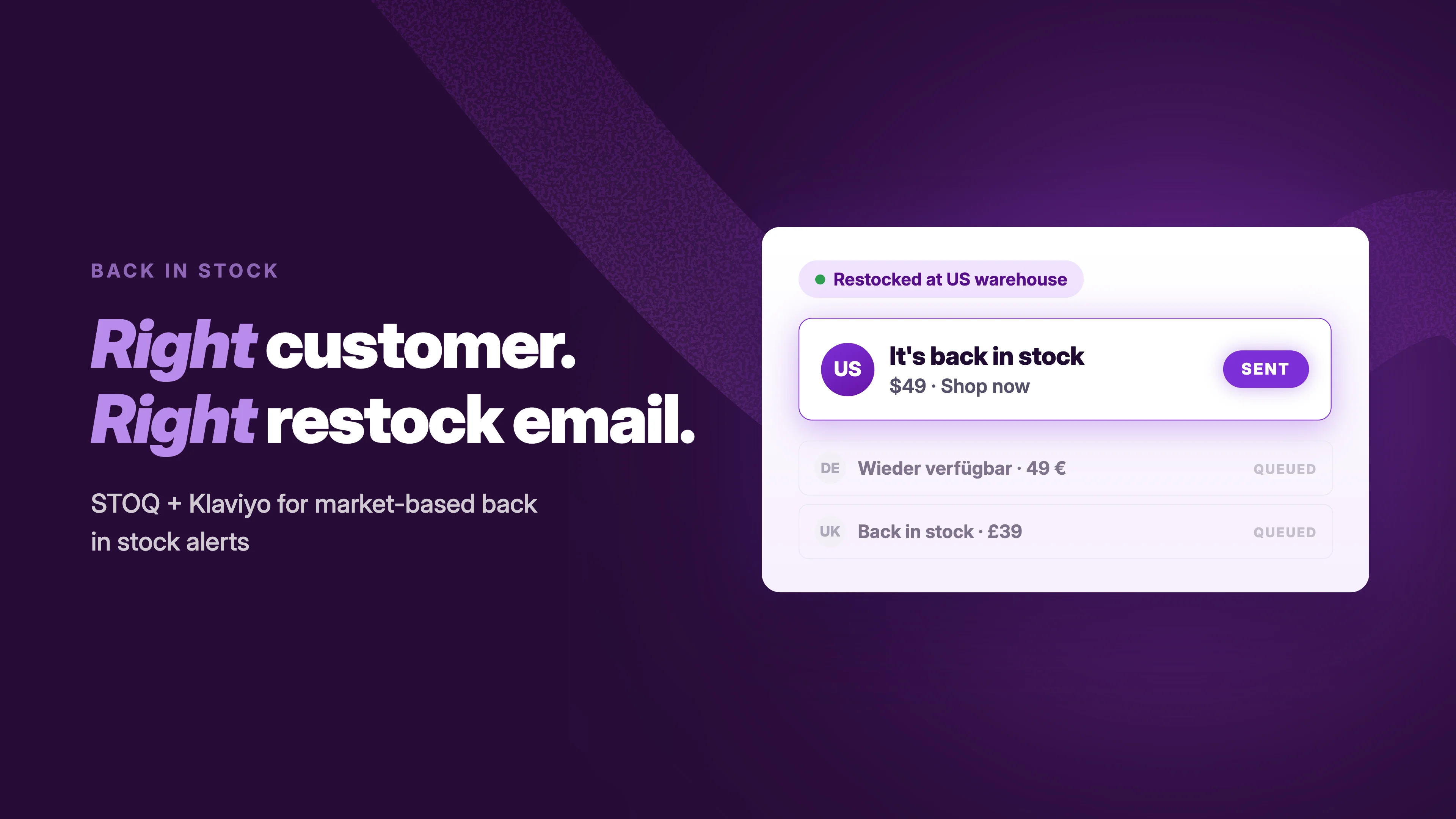
- Notify me: Leave an email address or phone number to join that variant’s waitlist. When inventory returns, STOQ automatically sends an alert by email, SMS or both.
- Preorder: Buy from your next shipment, paying in full or with a deposit, with the expected ship date displayed on the page.
If you have a confirmed restock date and can commit to shipping, offer a preorder. Otherwise, collect signups and notify shoppers when stock returns. You can use both across your catalog.
Before the weekend, check two settings:
- Prevent overselling. STOQ starts a preorder only once a variant’s inventory reaches zero. If “Continue selling when out of stock” is already enabled while stock remains, an order can exceed the available quantity without the extra units becoming preorders. For example, if you have 3 units and a customer orders 4, the fourth unit won’t automatically become a preorder. Import STOQ’s two Shopify Flow workflows to keep this setting off until inventory reaches zero, then turn it on.
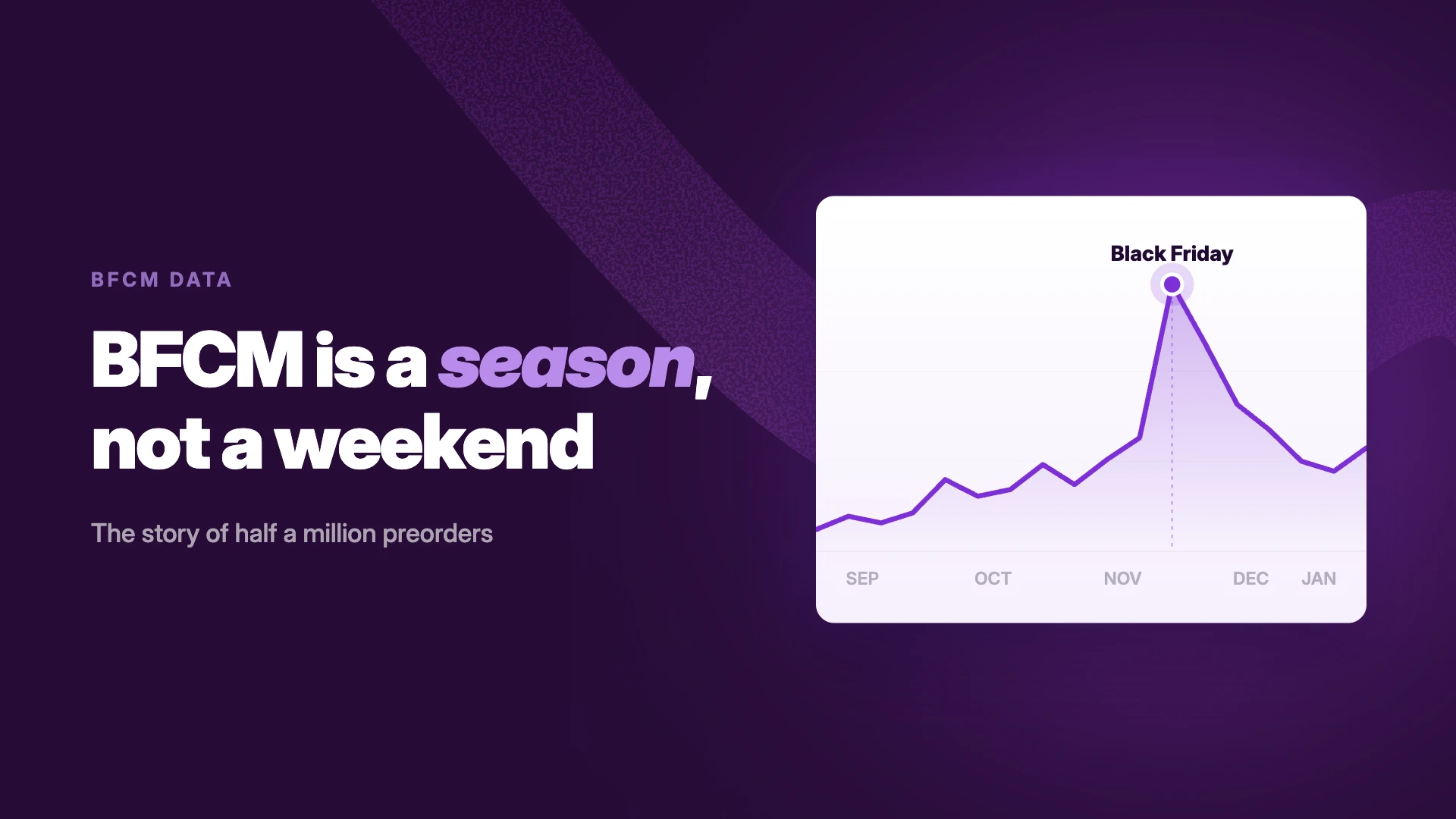
- Keep preorders available into December. Last season, 1 in 5 preorders came after Cyber Monday week. Plan your offer dates around your restock schedule.
If you’re setting up STOQ for the first time, start with the back-in-stock alerts setup guide and the preorder setup guide. The Black Friday checklist covers the full week-by-week plan.
Prepare your store with STOQ & our partner apps
Our partners cover store research, SEO, translation, page design, reviews, promotions, order editing and loyalty. Below, you’ll find how each app can support your BFCM preparation and what to check when using it alongside STOQ (with an exclusive deal for STOQ merchants).
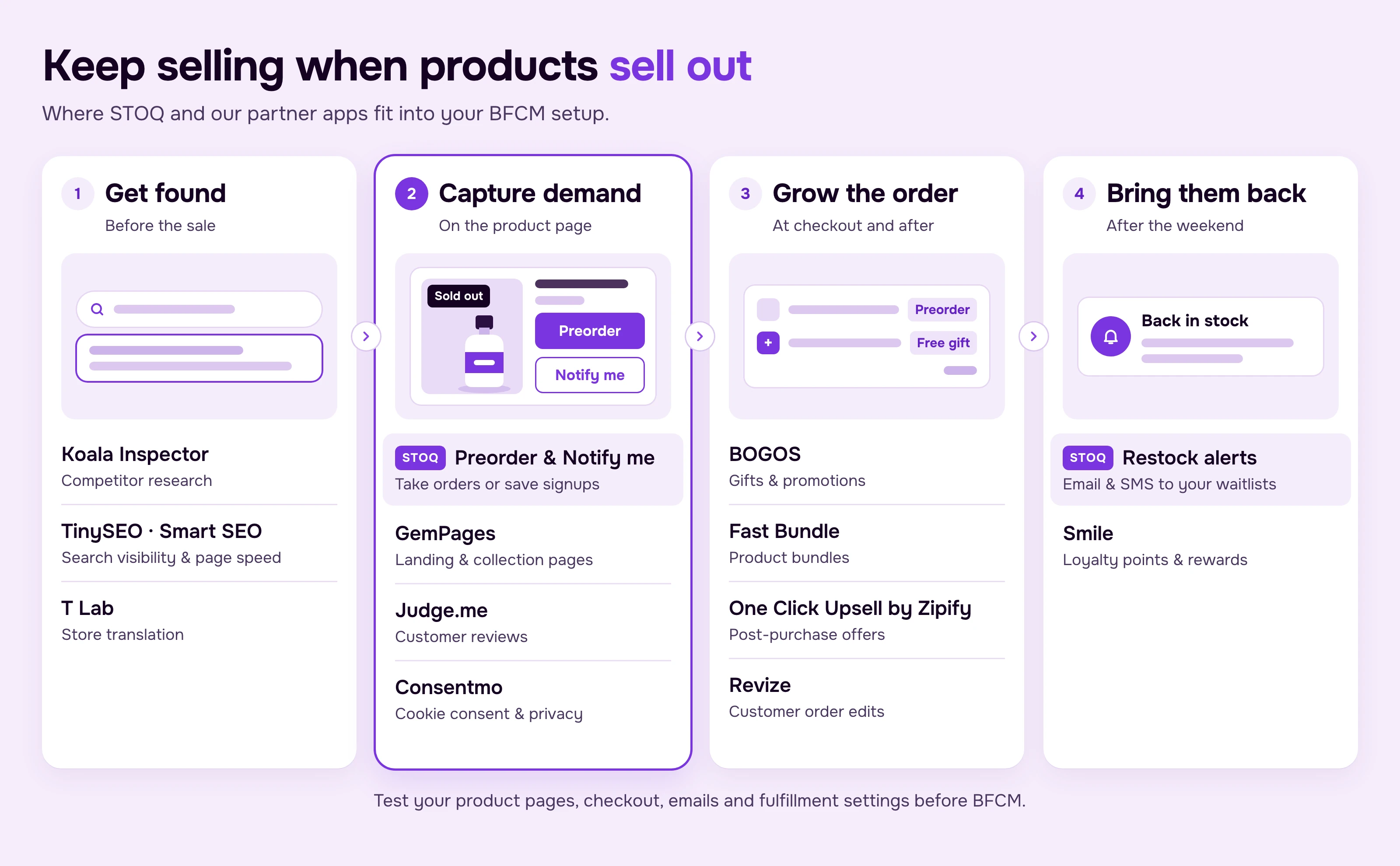
Before shoppers reach your store
Koala Inspector is a Chrome extension that shows the top products, ads and apps of Shopify stores. Use it to review competitors’ BFCM promotions alongside your own sales and inventory data as you decide which products need preorders or back-in-stock alerts.
Deal: free to use.
TinySEO and Smart SEO help improve your store’s SEO and page performance. Keep sold-out product pages available during BFCM so shoppers can still find them and preorder or sign up for a restock alert. Check page speed with your BFCM apps and promotions enabled.
Deals: TinySEO, 30% off for life on all paid plans (new users). Smart SEO, 20% off for life on all paid plans with code STOQ20 (new users).
T Lab – AI Language Translate translates your store for shoppers in other markets. When preparing translated pages, check STOQ’s button, form and alert text too, so shoppers can complete their signup or preorder in the same language.
Deal: 20% off for life on all paid plans with code STOQ20 (new users, use the code when you upgrade).
On the product page
Make sure shoppers can see how to preorder, how much they’ll pay and when their order is expected to ship. For products without a confirmed restock date, make the “Notify me” form easy to find.
GemPages lets you build BFCM landing and collection pages. STOQ’s Preorder and Notify me buttons work on GemPages collection, home, search and custom pages.
Deal: 20% off for 3 months on monthly plans with code STOQBFCM26.
Judge.me adds customer reviews to your product pages, helping shoppers assess a product before committing to a preorder. Its direct integration with STOQ also lets you include a product’s star rating, review count and one to three top reviews in back-in-stock alerts, preorder confirmations and shipping-update emails.
Deal: free for 1 month on the Awesome plan (starts when you install from the deal link).
Consentmo helps manage cookie consent and privacy compliance. As you prepare to collect back-in-stock signups, review your signup process alongside your consent settings. If you enable STOQ’s double opt-in setting for email signups, test the confirmation email before the sale.
Deal: 25% off for 3 months on all paid plans, until Dec 2.
At checkout and after purchase
BOGOS lets you run free gift, BOGO, bundle, tiered discount and upsell offers. You can include a free gift with a preorder to give shoppers an additional reason to buy before the restock. Check your mixed-cart settings so the gift ships as intended. See free gifts with preorders for setup details.
Deal: 20% off for 3 months.
Fast Bundle lets you bundle preorder products with in-stock accessories. For fixed bundles containing a preorder product, choose the “Separate line items” setup so STOQ can collect the deposit and hold only the preorder item.
Deal: 40% off for 1 month on the Standard 3K plan with code BFCM26-STOQ.
One Click Upsell by Zipify adds post-purchase offers after checkout. For preorder customers, consider offering a complementary in-stock item that can ship while they wait. Test the order to confirm the added item can be fulfilled separately.
Deal: free for 30 days on any paid plan.
Revize lets customers edit their orders after checkout, including changing an address, swapping a variant or adding an item. This can be useful during a preorder’s longer fulfillment window, when customers may need to update their details.
Deal: 30% off for 3 months on the Pro plan. Install, then send code STOQBFCM26 in Revize’s in-app chat. Or ask for Reovy, their upsell app, free for life instead.
After the weekend
Use the waitlists you built during BFCM to notify shoppers as December restocks arrive. Continue checking preorder availability and ship dates as your inventory changes.
Smile.io helps you encourage repeat purchases through loyalty points and rewards. Consider rewarding preorders and signups, or offering early access to future launches. See reward preorders and signups with Smile.io for more.
Deal: free for 30 days. Book a demo by Nov 27 and mention STOQ on the call, then install by the end of 2026 (new merchants only).
Test your preorder setup before November 27
Put one product on preorder and complete a test purchase with your BFCM apps enabled. Check the product page, cart, payment, emails and fulfillment settings.
- GemPages: Confirm that the Preorder or Notify me button appears on every relevant product list. Each section needs its own hidden product link.
- Fast Bundle: Check that preorder details appear in the cart, the amount due at checkout is correct, and only the preorder item goes on hold. On a bundle’s own page, preorder details can take 25 to 30 seconds to appear.
- BOGOS: Confirm that the free gift is added to the cart and follows your offer’s mixed-cart shipping settings.
- One Click Upsell: Accept a post-purchase offer and confirm that the added in-stock item can ship separately.
- Revize: Edit the test preorder by changing an address or swapping a variant. Check that the preorder ship date remains visible.
- Judge.me: Send yourself a STOQ test alert and confirm that the reviews block appears.
- Consentmo: Test a Notify me signup with the consent banner displayed. If double opt-in is enabled, confirm that the email arrives.
Three things to do this week
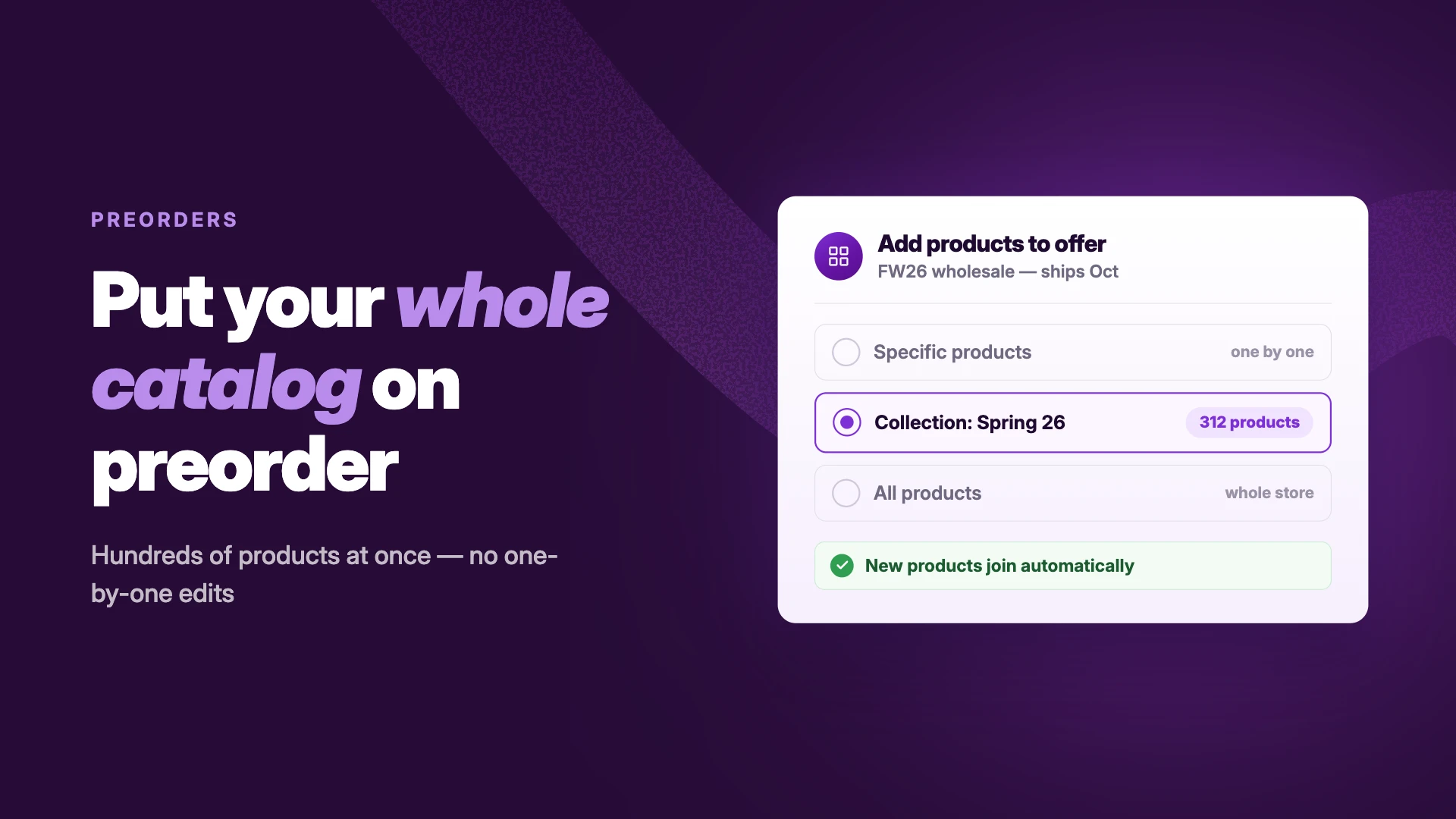
- Set up preorders for products you expect to sell out and can restock by a confirmed date. Include a preorder cap and ship date.
- Enable Notify me for other products, with batching and a minimum restock quantity set.
- Choose the partner offers relevant to your store and test your setup before November 27.
The 6-question readiness check on the BFCM 2026 page gives you a score and your top three things to fix.
STOQ’s BFCM offer: 60% off your first 3 months on monthly plans with code BFCM26.

Harleen is the Community Engagement Lead at Artos Software, leading partnerships and community for STOQ. She builds and manages relationships across the Shopify ecosystem to create partnerships that help our merchants grow.